 Naneedigital
Latest articles - page 165
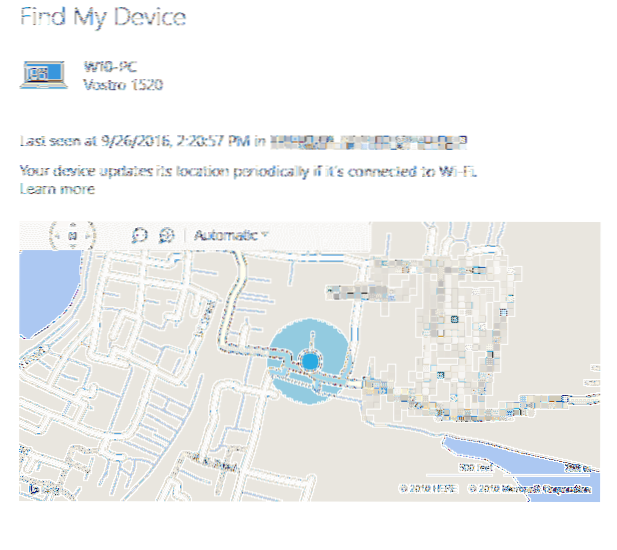
How to Track the Geolocation of Your Windows 10 Computer or Mobile Phone Using “Find my device” Feature?
Find your Windows device Go to https//account.microsoft.com/devices and sign in. Select the Find My Device tab. Choose the device you want to find, an...
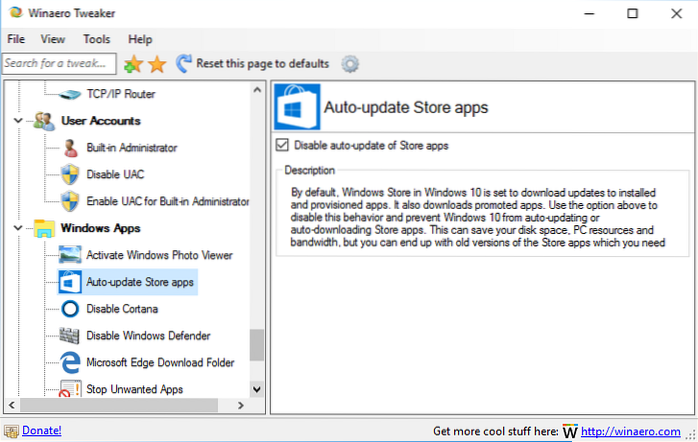
Stop Windows Store Apps from Updating Automatically in Windows 10
Launch the Microsoft Store app and click Options button (…) in the upper-right corner and choose Settings. Then on the following screen, turn off the ...
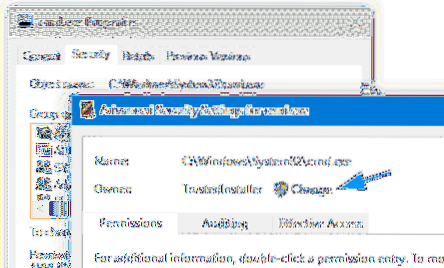
How to Prevent Command Prompt Access for Specific Users
Locking down the Command Prompt can be done using NTFS Permissions, by adding a Deny Permission entry (to cmd.exe) for a specific user or group. This ...
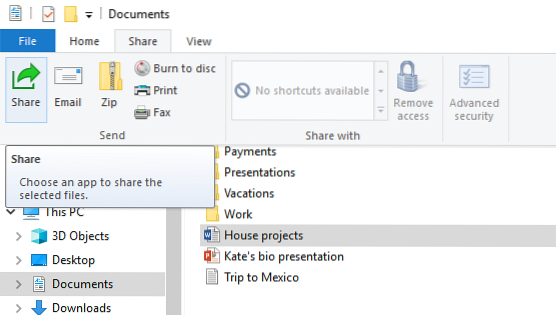
Send Files to Email via File Explorer Share Button in Windows 10
Attach Files to “New Mail” Message Using File Explorer Open the folder containing files you want to attach and send via email. Select the files. From ...
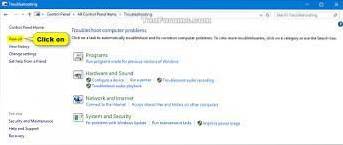
Windows Store Apps Troubleshooter in Windows 10 Fixes Apps Download and Install Problems
How to fix issues downloading apps with troubleshooter of Microsoft Store Open Settings. Click on Update & Security. Click on Troubleshoot. Under ...
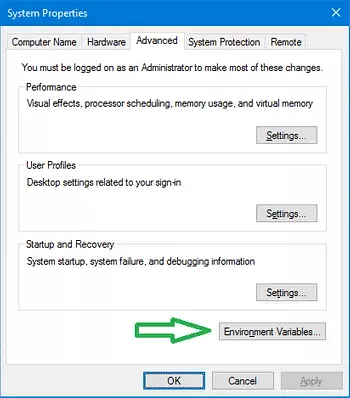
Windir Path Not Resolved or Recognized. How to Fix the Environment Variable?
How do I fix my PATH environment variable? How do I reset my environment variables? Do I need to restart after changing PATH variable? How can an envi...

How to Backup and Restore Sticky Notes Data in Windows 10
To restore your Sticky Notes to the same or different Windows 10 machine, do the following Open File Explorer (Windows key + E). Navigate to the folde...
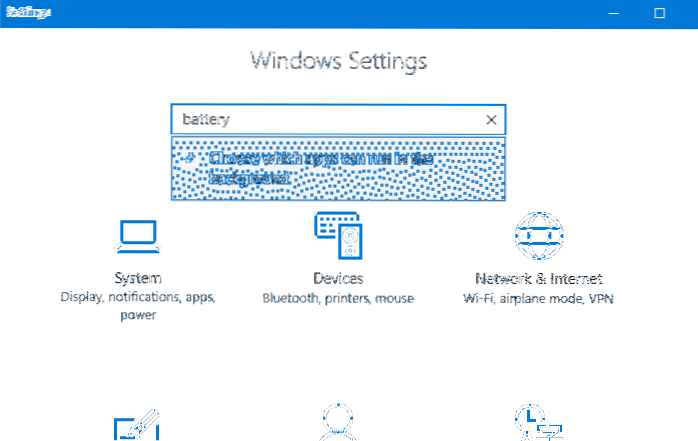
Turn Off Background Apps to Save Power in Windows 10
To disable apps from running in the background wasting system resources, use these steps Open Settings. Click on Privacy. Click on Background apps. Un...
![[Fix] Mouse Scroll Not Working in Start Menu All Apps in Windows 10](https://naneedigital.com/storage/img/images_2/fix_mouse_scroll_not_working_in_start_menu_all_apps_in_windows_10.png)
[Fix] Mouse Scroll Not Working in Start Menu All Apps in Windows 10
Fix Mouse Scroll doesn't work in Start Menu on Windows 10 Press Windows Key + I to open Settings then click on Devices. From the left-hand menu select...

Show “Run as different user” Command in Windows 10 Start Screen
Press the Windows + R key combination to bring up the Run box, type gpedit. msc and hit Enter. In right-side pane, double-click on the policy called S...
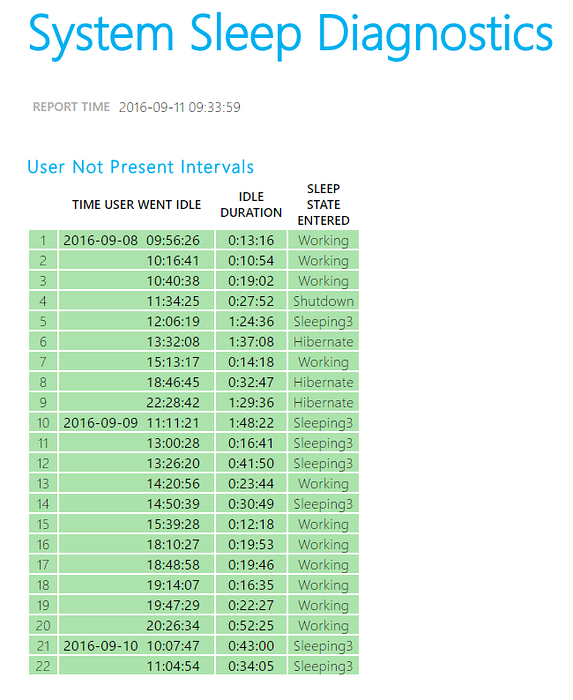
Generate System Sleep Diagnostics Report Using PowerCfg.exe in Windows 10
How do I create a sleep study report? How do I use Powercfg on Windows 10? How do I check my Powercfg? What is Powercfg command? How do I know if I ha...

Using the Blue Screen Error (BSOD) Troubleshooter in Windows 10
To Use Blue Screen Troubleshooter in Windows 10 Open the Control Panel (icons view), and click/tap on the Troubleshooting icon. Click/tap on the View ...