 Naneedigital
Latest articles - page 172
Windows 10 Pictures Library Arrange by Month Missing?
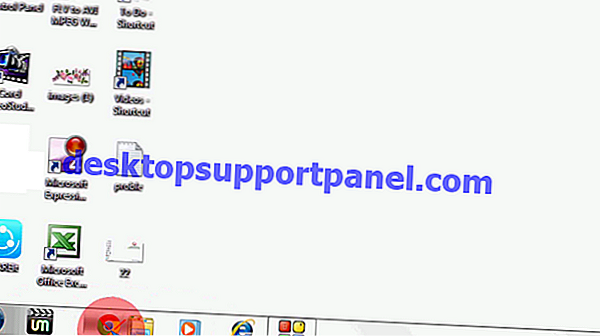
From the View tab, click Navigation pane and enable Show libraries. This shows Libraries in the navigation pane. Expand Libraries and click the Pictur...
How to Hide the Taskbar Completely using Shortcut in Windows
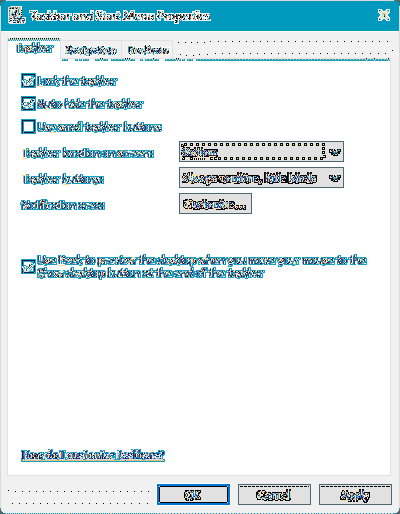
The program doesn't have a configuration window, but has an icon in the system tray when up and running. Now press the Ctrl + Esc hotkey to remove the...
A Complete Guide to Taking Screenshots in Windows 10
To take a quick screenshot of the active window, use the keyboard shortcut Alt + PrtScn. This will snap your currently active window and copy the scre...
Windows 10 Gets a New “Refresh Windows” Tool
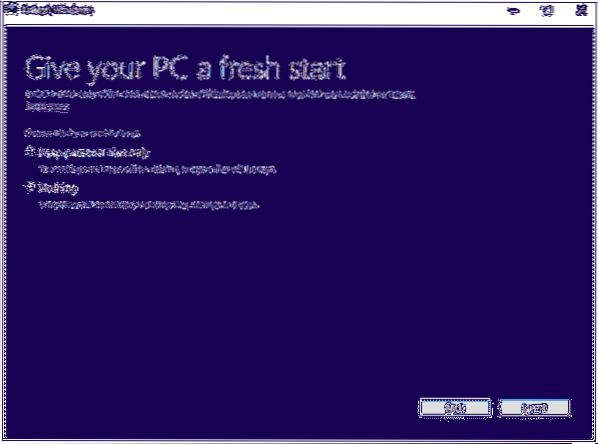
Microsoft released a Refresh Windows Tool few days back that makes clean installation easier. This tool installs a clean copy of the most recent versi...
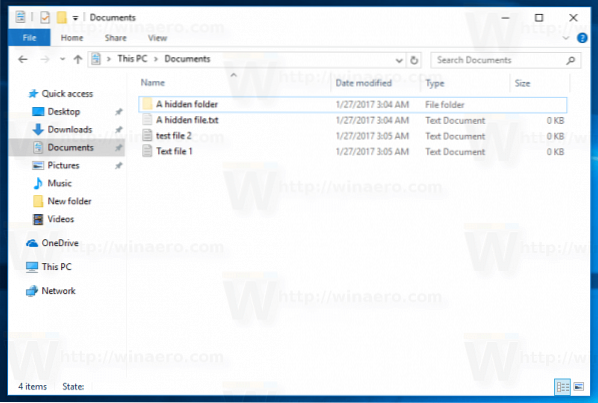
Show Hidden and Protected Files via Right-click Menu Toggle Option
What is the shortcut to show hidden files? How do I show hidden files in Control Panel? How do I unhide a protected file? How do I enable hidden files...
How to Fix Rundll32 or RunDll Errors at Startup?
A Rundll error occurs when XP, Windows, or Vista systems startup, and the Rundll error is caused by Improperly deleting a DLL file. Missing DLL errors...
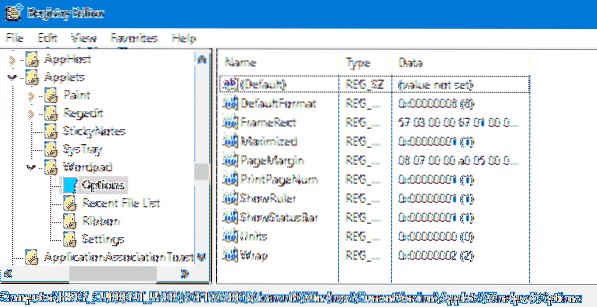
How to Reset WordPad and Notepad Settings to Defaults?
How do I reset WordPad to default settings? How do I change Notepad to default settings? How do I change default WordPad to Word? How do I fix WordPad...
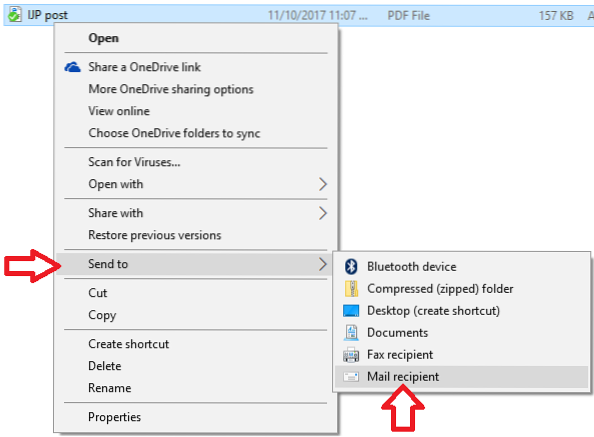
Error “There is no email program associated to perform the requested action” When Sending File To Mail
There Is No Email Program Associated to Perform the Requested Action. ... Sometimes, this issue is caused by having no application set as the default ...
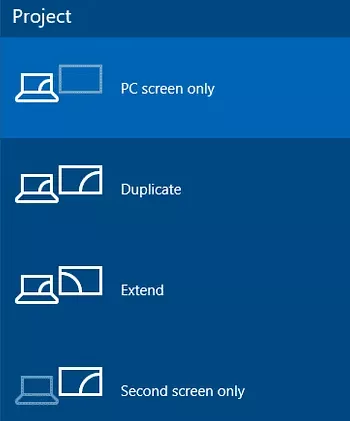
Programs open off the screen or hidden when minimized to taskbar
When I minimize a program it disappears from the taskbar? How do I fix a program that opens off screen? How do I hide minimized programs in the taskba...
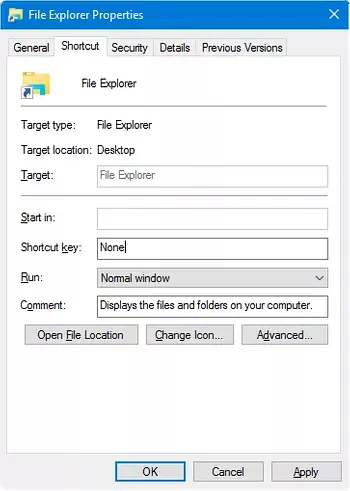
How to Change WinKey E Shortcut Target in Windows 10?
The WinKey + E keystroke, as well as the File Explorer shortcut on the taskbar, open Quick access view by default. You can change the default folder t...
![[Fix] Windows Script Host Access is Disabled on this Machine](https://naneedigital.com/storage/img/images_2/fix_windows_script_host_access_is_disabled_on_this_machine.png)
[Fix] Windows Script Host Access is Disabled on this Machine
Enable Windows Script Host access using the Registry Editor Press WinKey + R to bring up the Run dialog. Type regedit.exe. Delete the value named Enab...
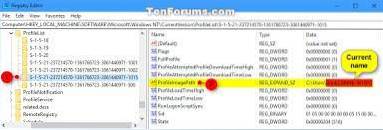
How to Rename Your User Profile Folder in Windows 10
Go to Troubleshoot > Advanced Options > Command Prompt. Select the Administrator account. Navigate to C\Users typing c then cd users. Type renam...