 Naneedigital
Latest articles - page 169
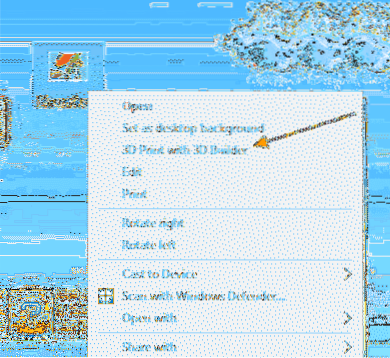
Remove “3D Print with 3D Builder” Right-Click Menu Option in Windows 10
[Windows 10 Tip] Remove “3D Print with 3D Builder” Option from Image Context Menu Press “WIN+R” key combination to launch RUN dialog box then type reg...
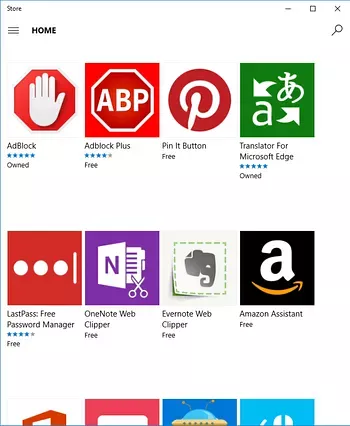
How to Install and Uninstall Edge Extensions (Anniversary Update)?
In the Extension panel, right-click an extension and click Uninstall. To show more information about the extension, double-click the item which opens ...
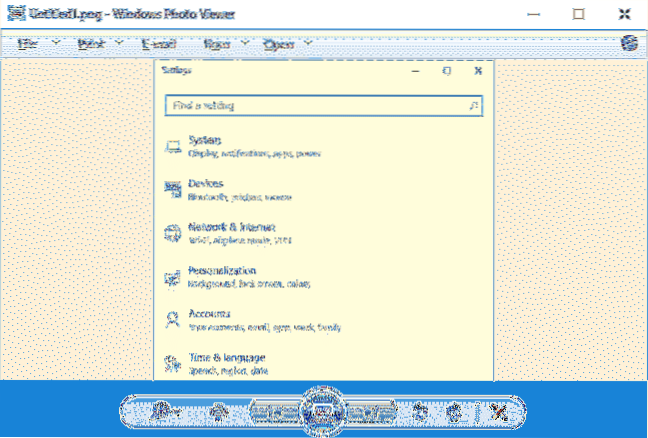
Windows Photo Viewer Shows Yellow Tint Background When Previewing Images
Click the Add button. Under ICC Profiles, double-click sRGB IEC61966-2.1. Click Close. Open Windows Photo Viewer and confirm the yellow tint is gone! ...
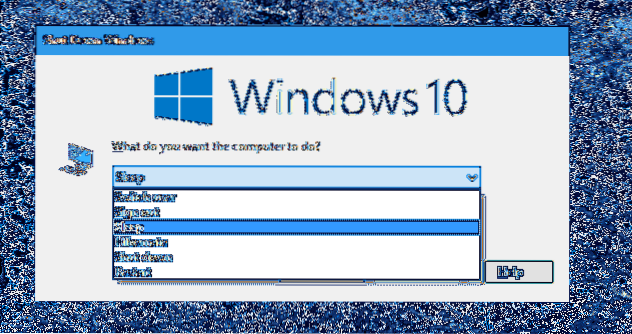
Put Windows Into Sleep or Hibernate Mode Using Command-line
Command Lines to Put Windows into Sleep or Hibernate Mode NirCmd – a small but powerful command line utility by NirSoft that also provides tons other ...
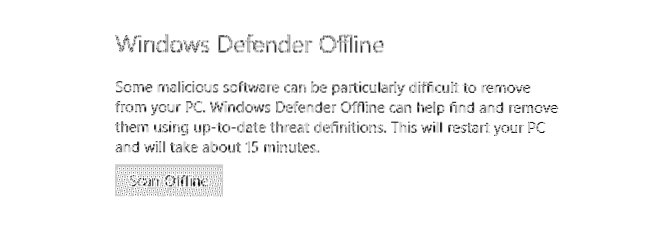
“Windows Defender Offline” in Windows 10 Eliminates Complex Malware
Can I run Malwarebytes with Windows Defender? What does Windows Defender Offline scan do? Does Windows Defender automatically remove malware? Is Windo...
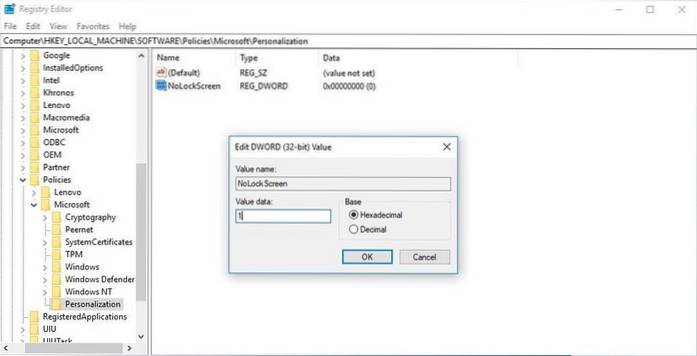
How to Disable Lock Screen in Windows 10?
How to disable the lock screen in the Pro edition of Windows 10 Right-click the Start button. Click Search. Type gpedit and hit Enter on your keyboard...
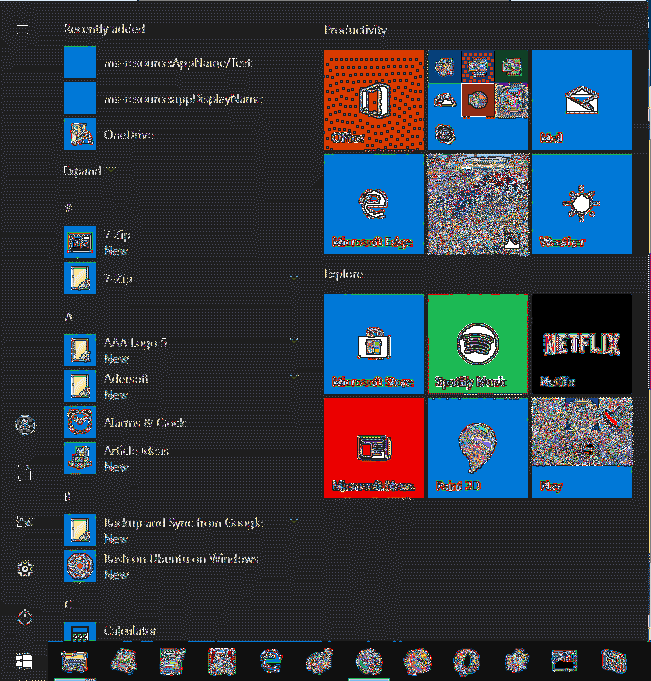
Backup, Restore or Reset Windows 10 Start Menu Tiles
Backup and Restore Start Menu Layout in Windows 10 Open the Registry Editor app. Go to the following Registry key. ... On the left, right-click on the...
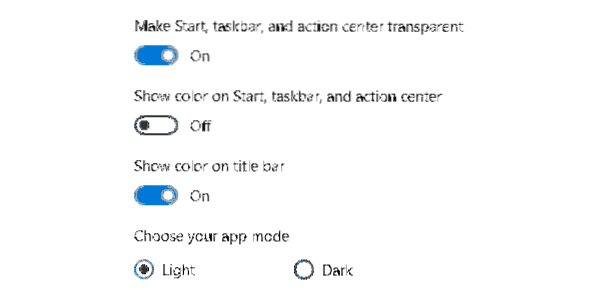
Show Color on Title bar, but not on Taskbar and Start Menu in Windows 10
How do I change the inactive title bar color in Windows 10? How do I customize the title bar in Windows 10? Why has my taskbar changed Colour Windows ...
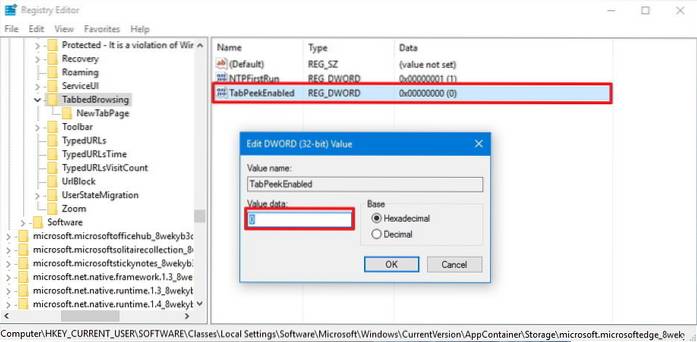
Disable Edge Tab Preview in Windows 10 Using Registry Tweak
How to disable tab preview on Microsoft Edge Close Microsoft Edge. Use the Windows key + R keyboard shortcut to open the Run command. Type regedit, an...
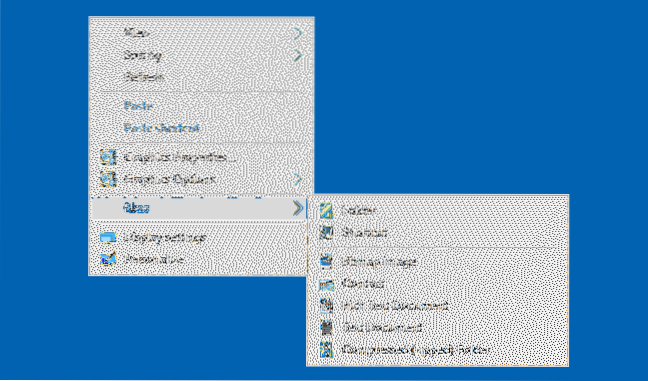
Restore Default Items to the New Menu (ShellNew) in Windows
How do I uninstall and restore the default new context menu items in Windows 10? How do I add an item to the new context menu? How do I restore missin...
![[Fix] Cannot Run Programs Without Typing the Extension (.EXE) in Command Prompt](https://naneedigital.com/storage/img/images_2/fix_cannot_run_programs_without_typing_the_extension_exe_in_command_prompt.png)
[Fix] Cannot Run Programs Without Typing the Extension (.EXE) in Command Prompt
How do I force an EXE to run? How do I run an EXE from command prompt? How do I repair a corrupted EXE file? Why .EXE file is not running? How do I fi...
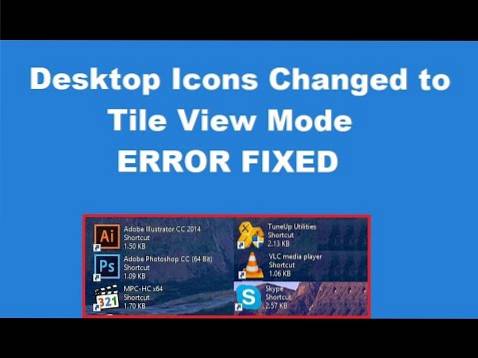
Fix Desktop has changed to Tiles view mode suddenly
Fix Desktop Icons Changed to Tile View Mode Open File Explorer by pressing Windows Key + E. Then click View and select Options. Now click Restore Defa...