 Naneedigital
Latest articles - page 173
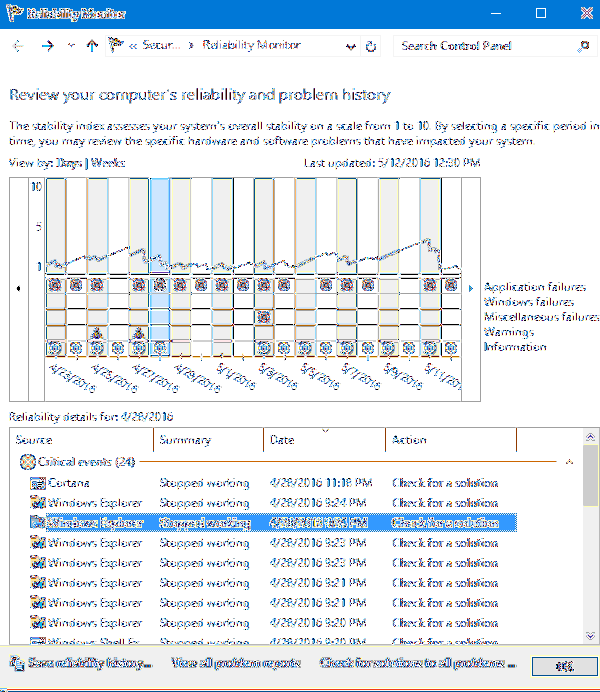
Explorer.exe Crash Troubleshooting Tips
7 Tips If Windows Explorer Keeps Crashing Update Your System. Clear Windows Explorer History On Your Computer. Launch Folder Windows In a Separate Pro...
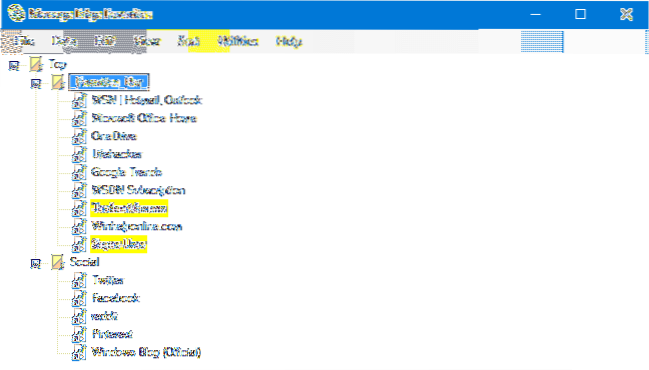
How to Delete All Your Microsoft Edge Favorites?
Method 1 Open Microsoft Edge. Click on an item in the right panel to set the focus on it. Press Ctrl + A keys to select all bookmarks. Click on the De...
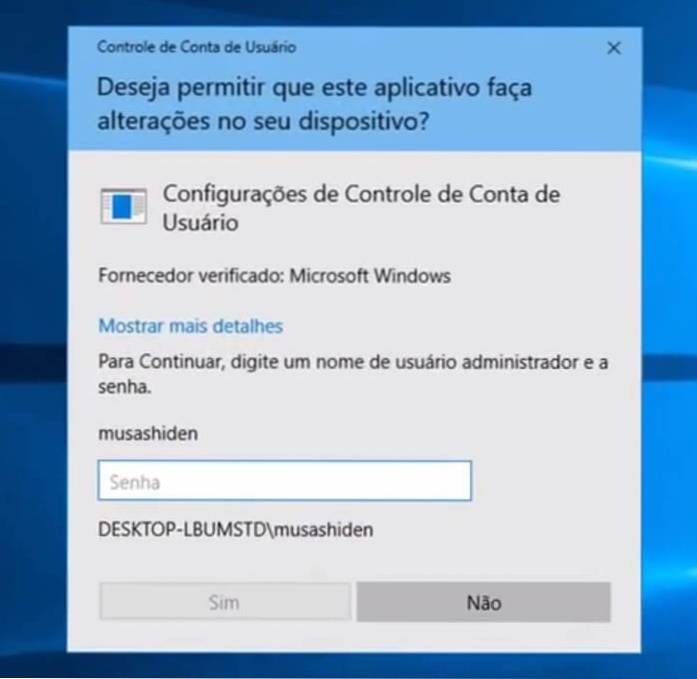
Lost Admin Rights or Password? Rescue the Account via Windows Recovery Environment
Restore lost administrator rights via Windows RE Step 1 Access the Windows Recovery Environment. Step 2 Restore lost administrator rights via the Wind...

Where is Windows Media Player in Windows 10?
Windows Media Player in Windows 10. To find WMP, click Start and type media player and select it from the results at the top. Alternately, you can rig...
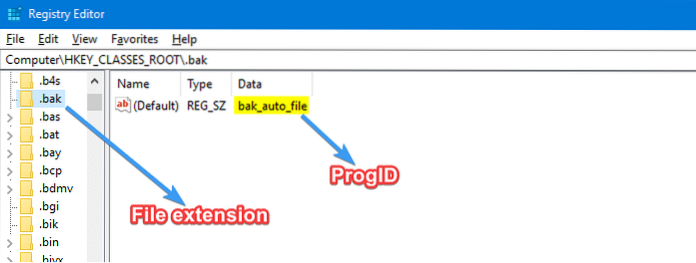
How to Remove File Type Associations Using the Registry Editor
Remove a File Type Association Using the Registry Editor Start the Registry Editor ( regedit.exe ), and go to this branch HKEY_CLASSES_ROOT\.bak. Note...
![[EdgeManage] Edge Favorites Management Utility Lets You Import, Export, Sort, Rename and Move Favorites](https://naneedigital.com/storage/img/images_2/edgemanage_edge_favorites_management_utility_lets_you_import_export_sort_rename_and_move_favorites.png)
[EdgeManage] Edge Favorites Management Utility Lets You Import, Export, Sort, Rename and Move Favorites
How do I move Favorites in Microsoft edge? How do I export and import favorites in edge? How do I move favorites to bookmarks? How do I copy all favor...
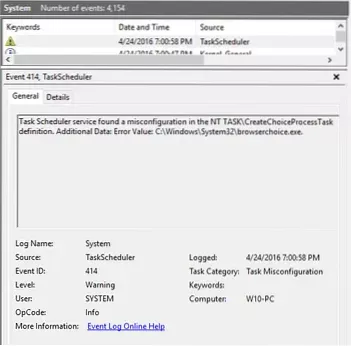
Error “The Selected Task 'Name' No longer exists” Starting Task Scheduler
Error “The selected task 'Name' no longer exists” occurs if the scheduled task registry entry gets corrupt or the entry is an leftover after the relat...

How to Set User Environment Variable Using Setx in Windows 10
How do I set environment variables in Windows 10 PowerShell? How do I set an environment variable for all users in Windows? What does Setx command do?...
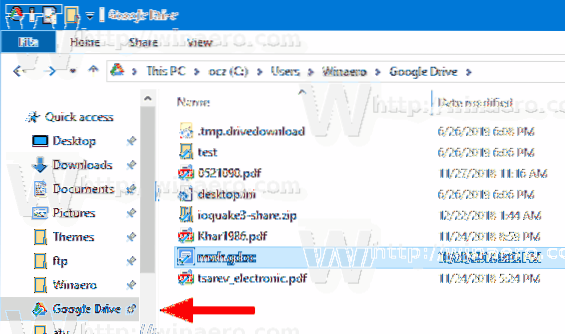
Pin Google Drive to File Explorer Navigation Pane
To Add Google Drive to Navigation Pane of File Explorer in Windows 10, Download the following ZIP archive Download ZIP archive. Extract its contents t...
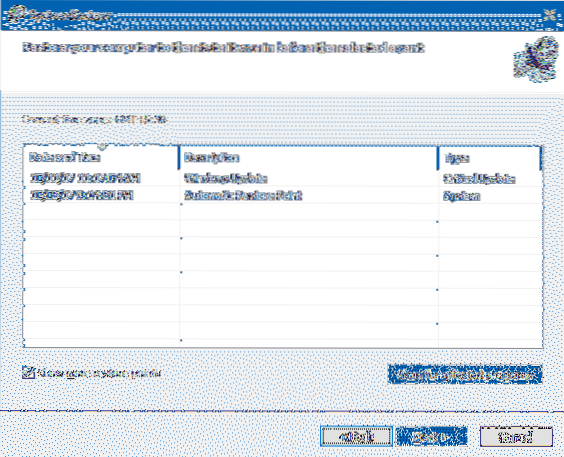
How to Selectively Delete System Restore Points?
Click the More Options tab, under System Restore and Shadow Copies, click Clean up. In the Disk Cleanup dialog box, click Delete. Click Delete Files, ...
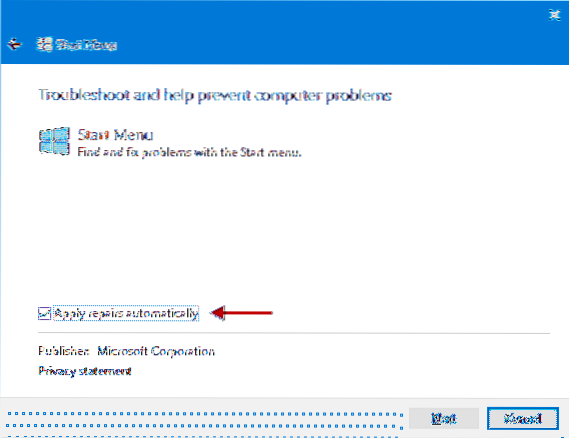
Reinstall or Repair stuck Windows 10 Start Menu
Press and hold the Shift key while you press the Power icon and select Restart. Once you enter the Windows Recovery Environment, click Troubleshoot. C...
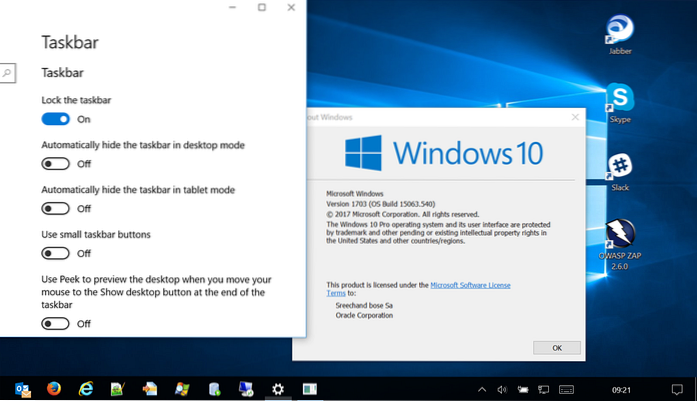
Date/Time (Clock) Missing in Taskbar in Windows 10. How to Add it Back?
Press Windows + I to open Settings, and click Personalization. Click Taskbar in the left panel. Scroll down in the right window to click Turn system i...