Ransomware

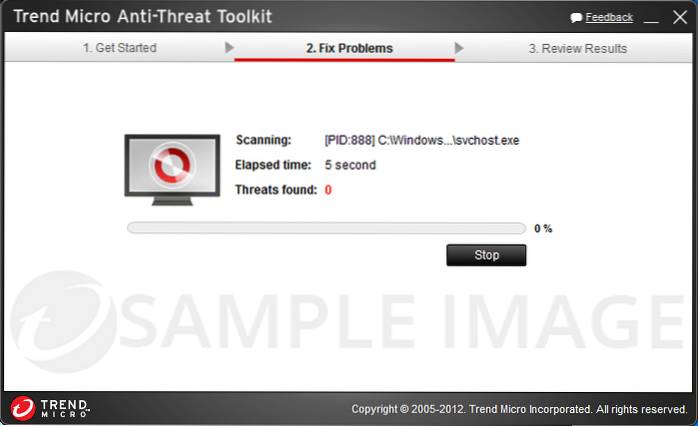
Trend Micro Ransomware Screen Unlocker Tool

Trend Micro Ransomware Screen Unlocker Tool

Trend Micro Ransomware Screen Unlocker Tool is a free program for Microsoft Windows operating systems that helps you unlock the screen after ransomware attacks. As you may know, there are two general types of ransomware: those that lock the screen, and those that encrypt files.

How To Hide/Disable Navigation Pane (Left Pane)
How to Hide the Navigation Pane in Windows 10 File Explorer Right click the Start menu and choose File Explorer from the available options. Click the ...
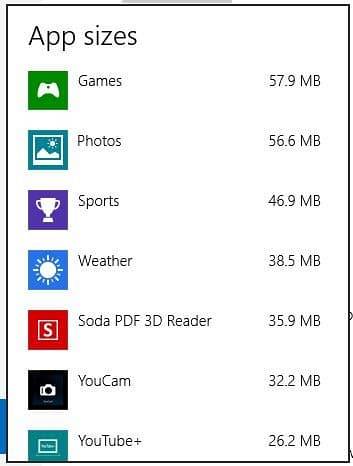
How To View Apps Size In Windows 8
On the PC settings screen, click Search and apps. Under Search and apps, in the left pane, click App sizes. The App sizes screen displays with a progr...
How To Open Folder Options In Windows 8
Windows 8. x and 10 In Windows 8. ... Open the Control Panel. Choose Folder Options under Appearance and Personalization. Click the Options icon on th...