Naneedigital
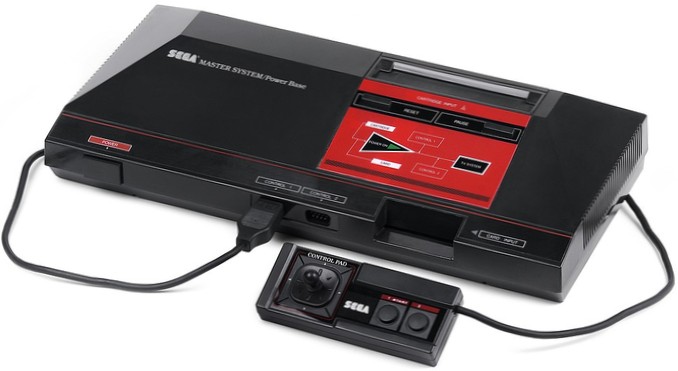
Use the scroll button on your mouse to find your Sega Master System ROM folder. Then, once you've found the folder, press the Enter key to access it. Inside of the ROM folder, click on the ROM you'd like to play with the mouse to start playing!
Use the scroll button on your mouse to find your Sega Master System ROM folder. Then, once you've found the folder, press the Enter key to access it. Inside of the ROM folder, click on the ROM you'd like to play with the mouse to start playing!