Naneedigital
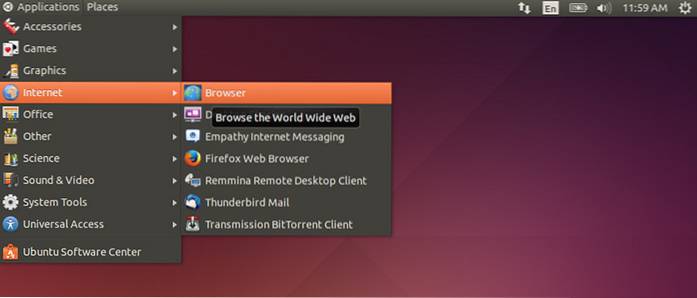
Using Ubuntu Software Center Launch Ubuntu Software Center from the Ubuntu Dash and search for gnome session flashback . From the search results, select the “Window manager” and click on the “Install” button to install Gnome classic shell.
Using Ubuntu Software Center Launch Ubuntu Software Center from the Ubuntu Dash and search for gnome session flashback . From the search results, select the “Window manager” and click on the “Install” button to install Gnome classic shell.