Hotkey

How to improve Elementary OS's quick launcher

How to improve Elementary OS's quick launcher

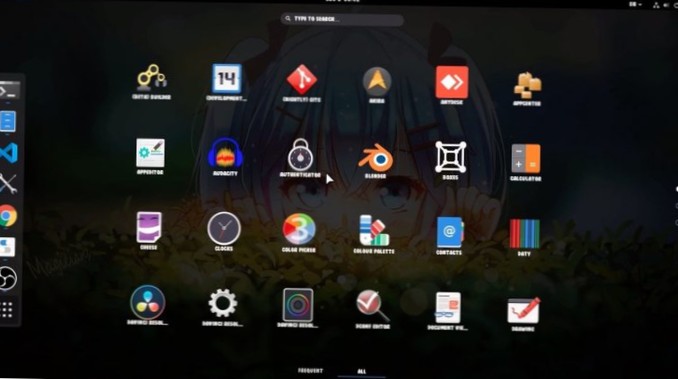
Change quick launcher hotkey Thankfully, it's possible to fix this shortcut, so you can tap Win to search. Changing the hotkey is done through the terminal, so open up a terminal window on your Elementary OS PC with Ctrl + Alt + T or Ctrl + Shift + T.

How To Prevent A User From Changing Logon Password In Windows 7
Right-click on the username of the person you want to prevent from changing their own password, and choose Properties from the context menu that opens...
How To Prevent Users From Changing Theme In Windows 7
How To Prevent Users From Changing Theme In Windows 7 Type gpedit. ... In the Policy Editor, go to User Configuration, Administrative Templates, Contr...
How To Rename Default Power Plans (Schemes) In Windows 7
How To Rename Default Power Plans (Schemes) In Windows 7 Step 1 Launch elevated Command Prompt. ... Step 2 Type Powercfg List in the Command Prompt to...