 Naneedigital
Windows - page 89
How To Manually Update Windows Defender In Windows 10
Open the Windows Defender Security Center by clicking the shield icon in the task bar or searching the start menu for Defender. Click the Virus & ...
Fix Windows 10 Anniversary Update (1607) Not Showing Up
How do I get the Windows 10 anniversary update? How do I force the latest Windows 10 update? How do I force Windows 10 to update to 1903? What is the ...

Know Where A Windows Spotlight Picture Was Taken
If you're running Windows 10 with Anniversary Update (version 1607 or above), you can simply hover the mouse cursor on “Like what you see?” text on th...
Delete Temporary Windows Installation Files In Windows 10
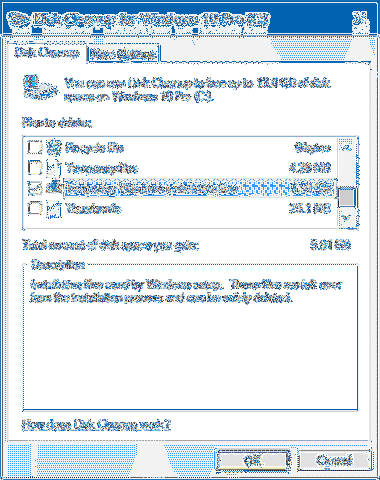
Remove temporary files using Disk Cleanup Open File Explorer on Windows 10. Click on This PC. Right-click the drive with the Windows 10 installation a...
Stop Windows 10 From Asking For Password After Waking Up From Sleep
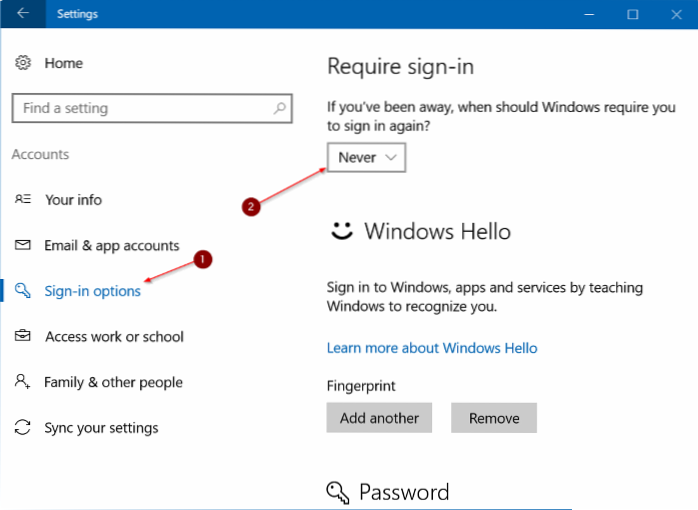
Open Settings app by clicking its icon in Start menu or pressing Windows logo + I keyboard shortcut. Click on Accounts. Click Sign-in options in the l...
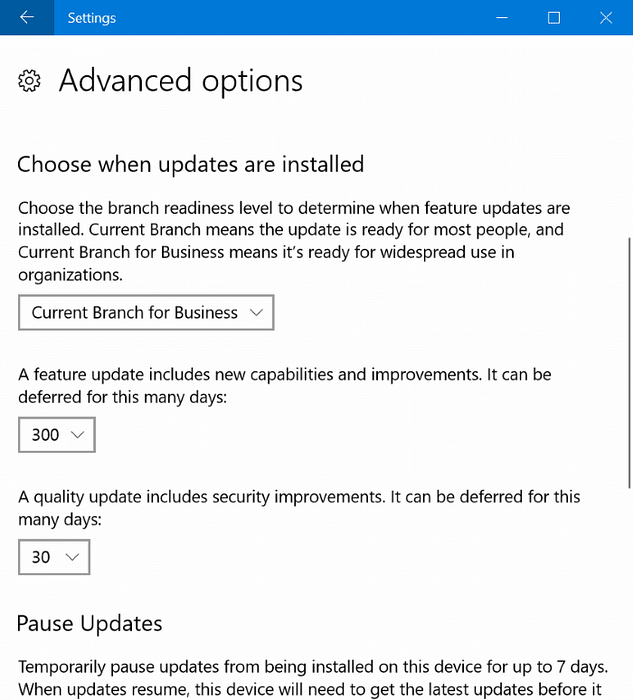
How To Delay Or Defer Updates Up To 365 Days In Windows 10
Delay Windows 10 updates from being installed Scroll down the list of Advanced options, until you get to the Pause updates section. Here, Windows 10 l...
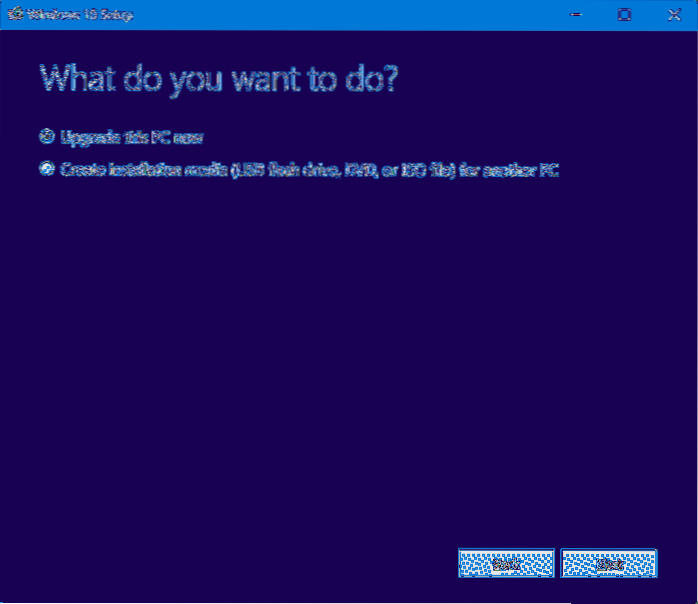
How To Install Windows 10 Creators Update (1703) Right Now
How to Install Windows 10 Creators Update version 1703 with USB drive Step 1Create Windows 10 Creators Update bootable USB Drive/DVD. ... Step 2Enable...
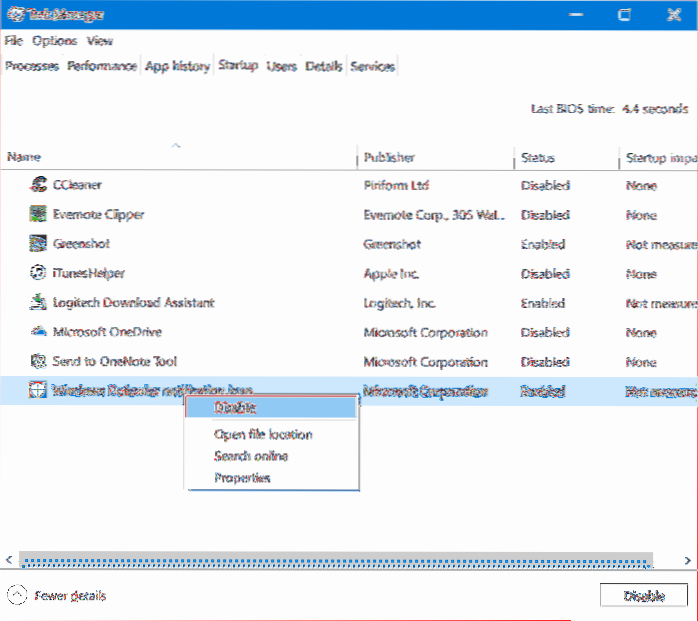
Remove Windows Defender Security Center Icon From System Tray In Windows 10
In the Taskbar tab of the Settings app, scroll down to the Notification area and click on Select which icons appear on the taskbar. In the next screen...
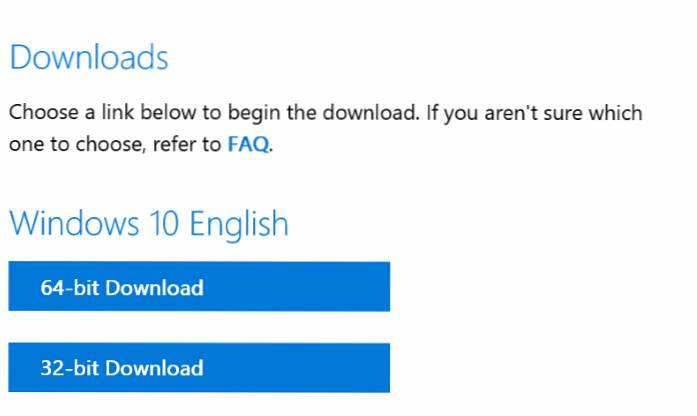
How To Download Windows 10 ISO Without Media Creation Tool
Download a Windows 10 ISO without the Media Creation Tool Purchase a Windows 10 product key. Visit the download Windows 10 Page in Microsoft Edge. Ope...
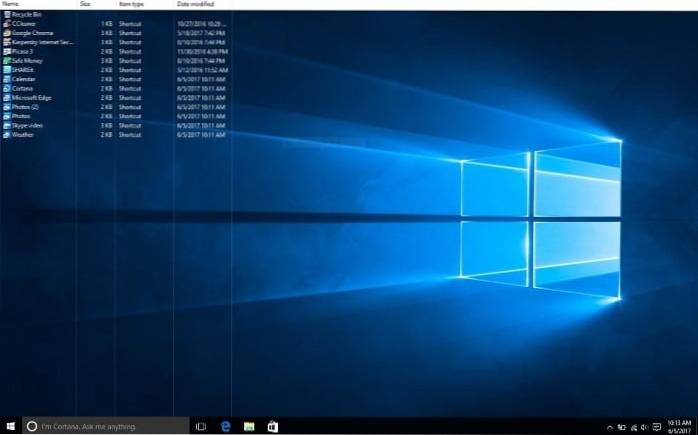
How To Change Desktop Icons View In Windows 10
In Windows 10, you can access this window through Settings > Personalization > Themes > Desktop Icon Settings. In Windows 8 and 10, it's Cont...

How To Safely Delete Windows10Upgrade Folder In Windows 10
How to Delete Windows10Upgrade Folder in Windows 10 Open Programs and Features, and click/tap on Windows 10 Upgrade Assistant to uninstall this app. (...
How To Share Files Between Two Windows 10 Computers
File sharing over a network in Windows 10 Right-click or press a file, select Give access to > Specific people. Select a file, select the Share tab...