 Naneedigital
Windows - page 73
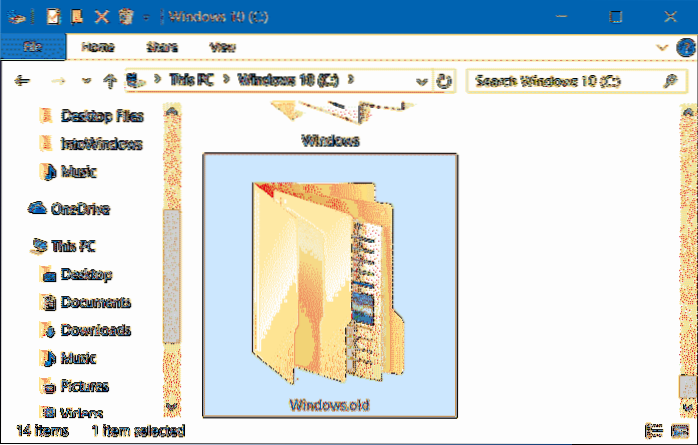
How To Recover Windows Product Key From Windows.old Folder
If you have moved the Windows. old folder, click on the option titled Retrieve key from backup, and then navigate to the Windows\System32\Config folde...
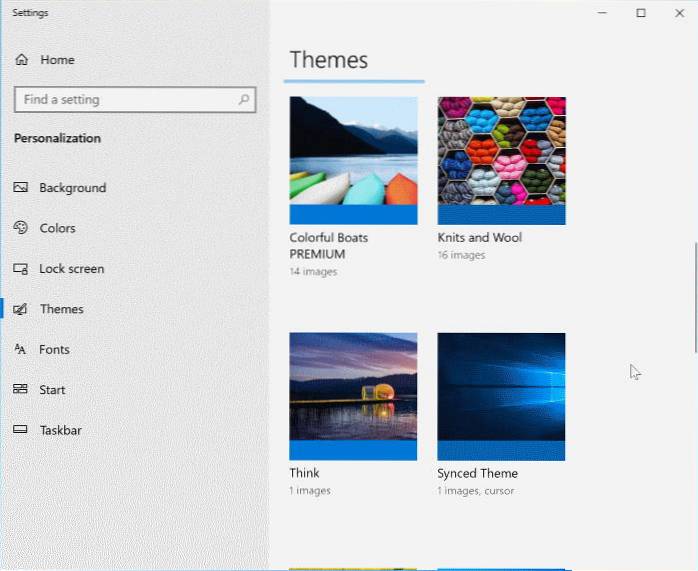
How To Install Or Delete A Theme In Windows 10
Click the Personalization icon and then click Themes to see the list of installed themes. Right click the theme you want to uninstall. A small context...
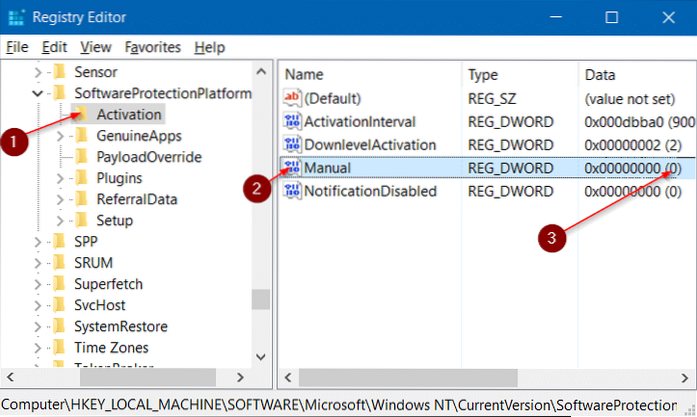
How To Turn Off Automatic Activation In Windows 10
Step 1 Type Regedit in the Start menu search box and then press Enter key. Click Yes button when you see User Account Control prompt to open Registry ...
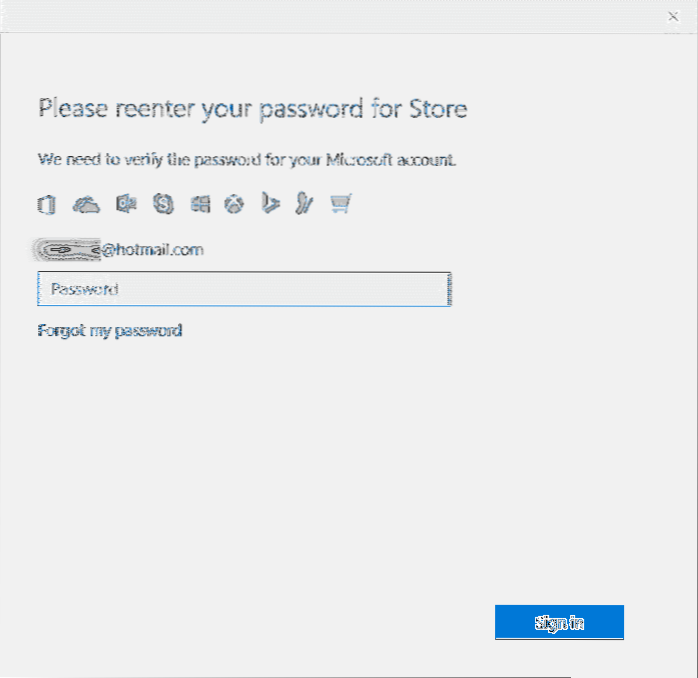
How To Buy Apps Without Entering Store Password In Windows 10
Change purchase sign-in settings for Microsoft Store on Windows 10 Open Microsoft Store and select See more () next to the search box. Go to Settings ...
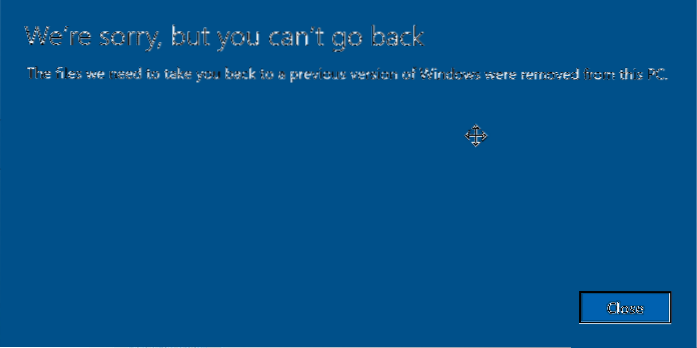
We're Sorry, But You Can't Go Back Error In Windows 10
The files we need to take you back to a previous version of Windows were removed from this PC” message. Well, if you're getting “We're sorry, but you ...
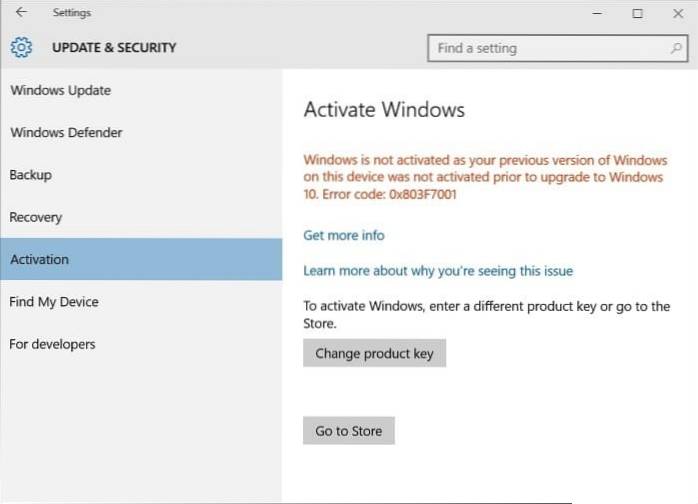
How To Upgrade Windows 10 Home To Pro Without Product Key
To upgrade from Home edition to Pro edition, click Upgrade to Pro button. If you want to buy the Pro edition license right away, click the $99.99 or $...
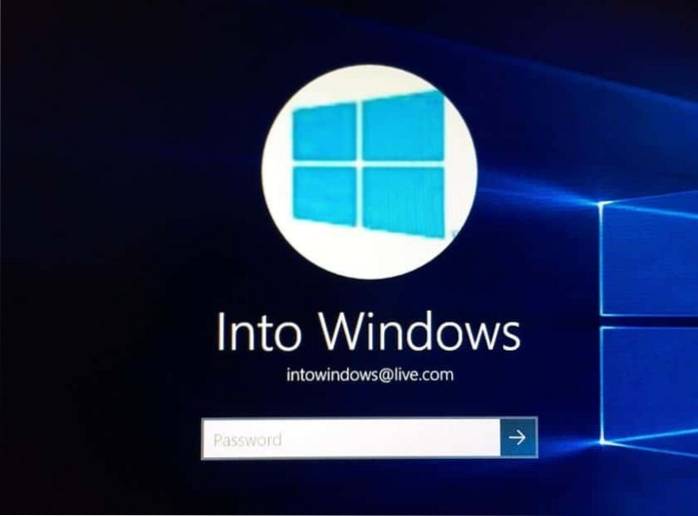
Show Or Hide Email Address On Login Screen In Windows 10
Open the Settings app and go to Account. Select the Sign-in options tab and scroll all the way down to the Privacy section. Here, you'll see an option...
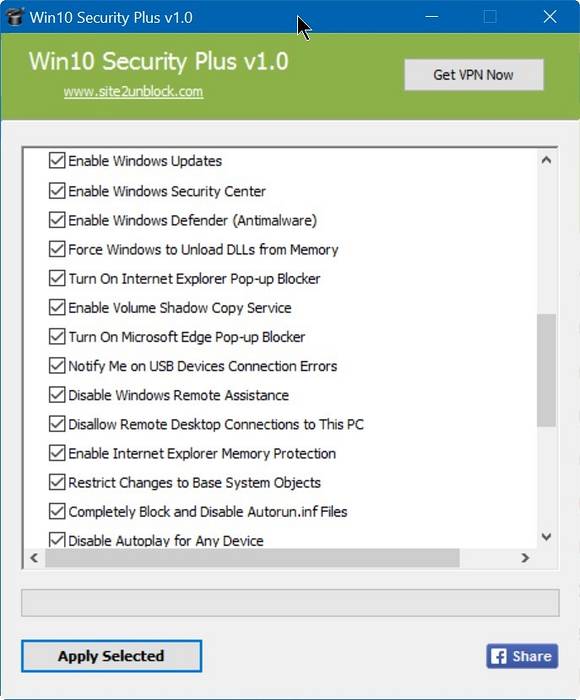
Improve Windows 10 Security With Windows 10 Security Plus
How do I improve security on Windows 10? Does Windows 10 need additional antivirus? Is Windows 10 security safe? Is Windows Security Enough 2020? Does...
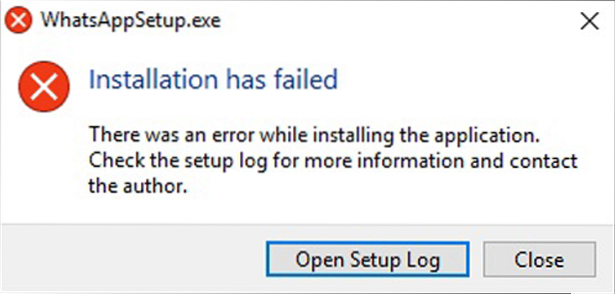
WhatsApp Error Installer Has Failed. There Was An Error While Installing The Application
There was an error while installing the application. If you faced this error during WhatsApp setup, it might mean that your operating system or hardwa...
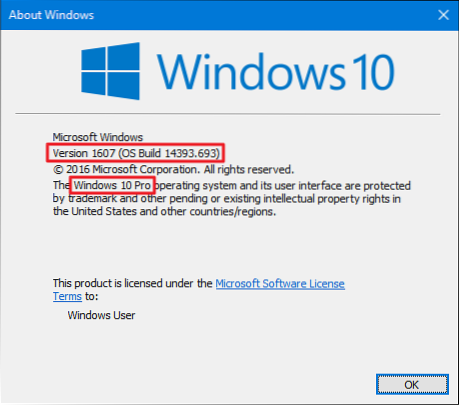
How To Check Windows 10's Build Number
How to Check Windows 10 Build Right-click the start menu and choose Run. In the Run window, type winver and press OK. The window that opens will displ...
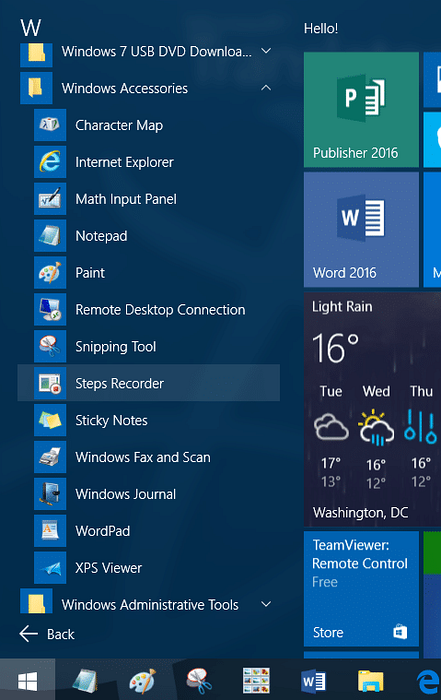
Windows Accessories Folder Missing From Start Menu In Windows 10
If for some reason Windows Accessories in the Programs folder does not appear on the Start Menu, then click All apps then navigate to W, right-click t...

Upgrade Windows 10 Home To Pro Using Windows 7/8 Product Key
Step 1 Open the Settings app by clicking its icon in the Start menu or using the Windows logo + I hotkey. Step 2 Click Update & security icon. Cli...