 Naneedigital
Windows - page 69
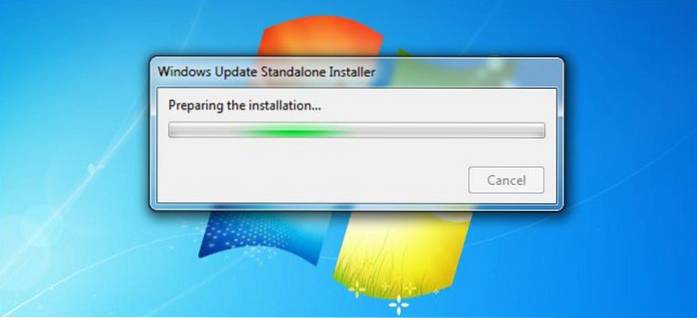
What Is Convenience Rollup Update and How to Install It in Windows 7
The Convenience Rollup allows Windows 7 users too, with the download and installation of only one update package install every single update released ...
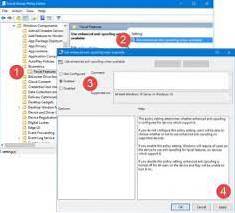
How to Enable Enhanced Anti-Spoofing in Windows 10
Enhanced Anti-Spoofing for Windows 10 Tap on the Windows-key, type gpedit. ... Use the hierarchy on the left to navigate to the following folder Compu...
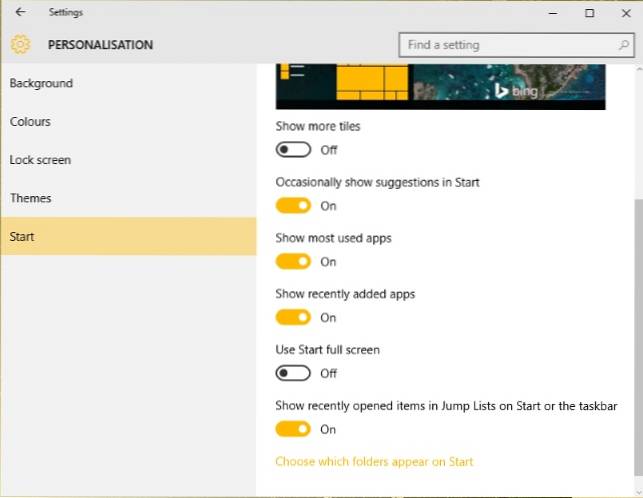
5 Additional Tips for Using the Windows 10 Start Menu More Efficiently
5 Additional Tips for Using the Windows 10 Start Menu More Efficiently Configure Start Menu Properties. The main configuration options for the Windows...
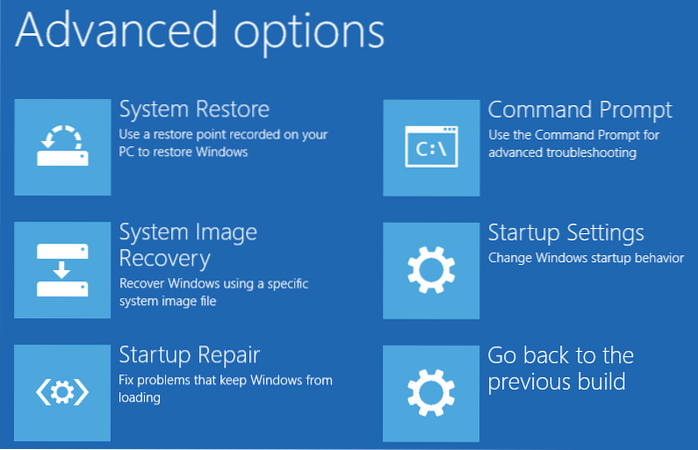
3 Ways to Open Advanced Startup Options in Windows 10
If you are already at the Windows 10 desktop, getting to the Advanced Startup Options menu is easy. Navigate to settings. You can get there by hitting...

Set a Web Page as a Wallpaper in Windows 10
To do that click on the Notifications icon, and then click on the option “All Settings.” The above action will open the settings app. Here, select the...

The Easiest Way to Create a Bootable USB Installer on Ubuntu
Just open the Dash and search for the “Startup Disk Creator” application, which is included with Ubuntu. Provide a downloaded Ubuntu ISO file, connect...
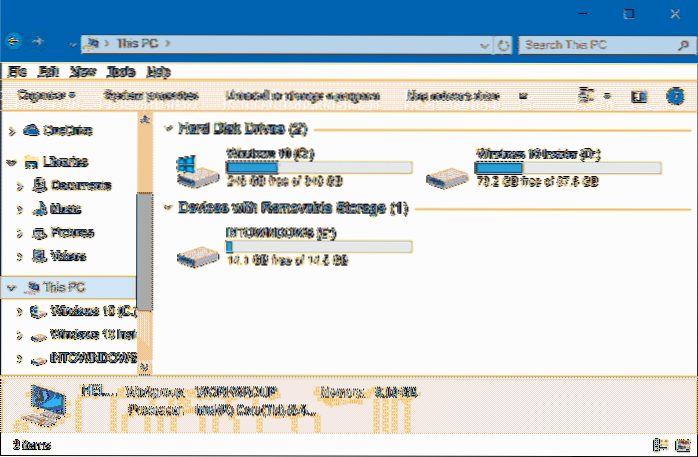
Make Windows 10 File Explorer Look Like Windows 7 File Explorer
How To Make Windows 10 File Explorer Look Like Windows 7 Disable the Explorer ribbon. Get Windows 7 folder icons back in Windows 10. Enable the detail...
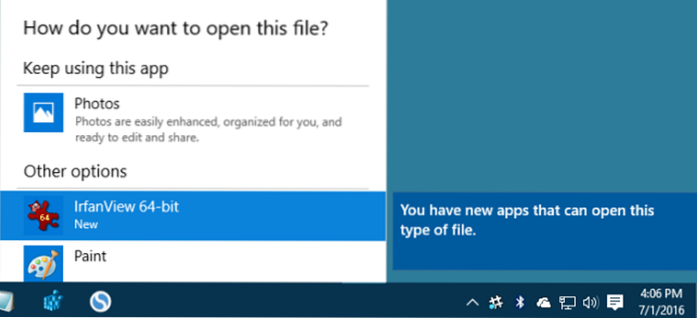
How to Disable the New App Installed Notification in Windows 10
In the Local Group Policy Editor, in the left-hand pane, drill down to Computer Configuration > Administrative Templates > Windows Components &g...
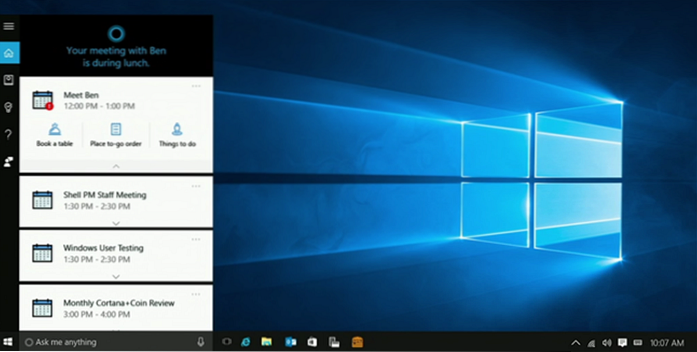
What's New in Windows 10 Anniversary Update
With the Anniversary Update, you can now choose between light and dark modes in Settings > Personalization > Colors. Its designed for Windows St...
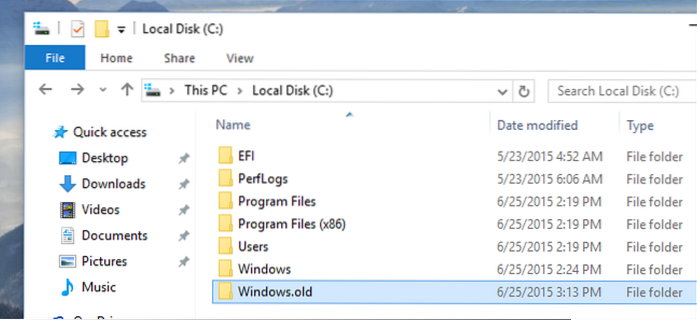
What is the windows.old Folder and How to Properly Remove It
old folder from your device is to use the Storage sense with these steps Open Settings. Click on System. Click on Storage. Under the Storage sense sec...
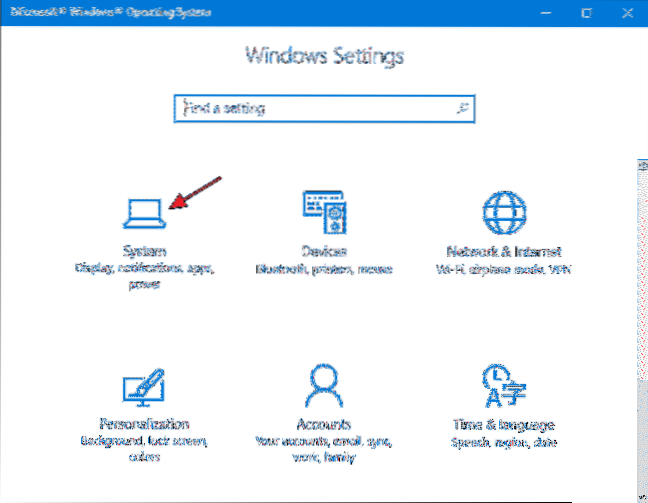
How to Set Notification Priorities for Apps in Windows 10 Action Center
On the Windows Settings screen, click “System.” In the navigation pane on the left, click “Notifications & actions.” On the right, scroll down to ...
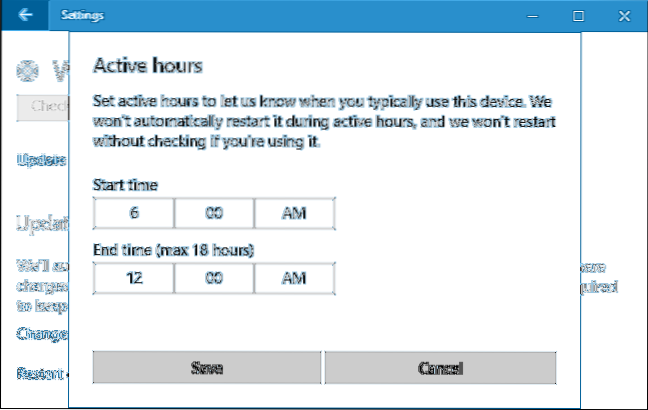
How to Set Active Hours and Prevent Your Windows From Auto-restarting
To configure active hours manually on your device to prevent sudden restarts, use these steps Open Settings. Click on Update & Security. Click on ...