 Naneedigital
Windows - page 66

Is It Safe To Delete Files From Windows\Installer Folder In Windows 10?
No. One should not delete files from the Windows\Installer directory as these files are required to repair, update and uninstall applications. That sa...
How To View Your Windows 10 Product Key
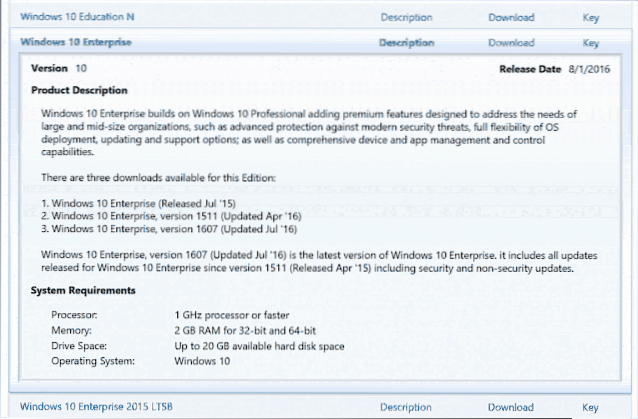
Find Windows 10 Product Key on a New Computer Press Windows key + X. Click Command Prompt (Admin) At the command prompt, type wmic path SoftwareLicens...
How To Make Windows 10 Start Menu Open Faster
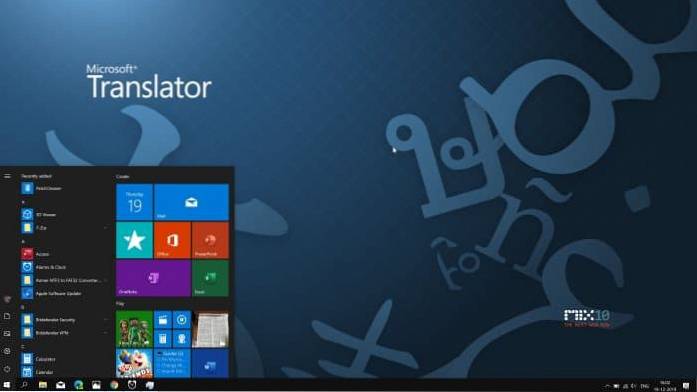
To make the Start menu open faster, uncheck the option titled Animate windows when minimizing and maximizing, and then click Apply button. Step 6. Tha...
Here Is Why Email Security In Windows 10 Mail Is Not Working For You
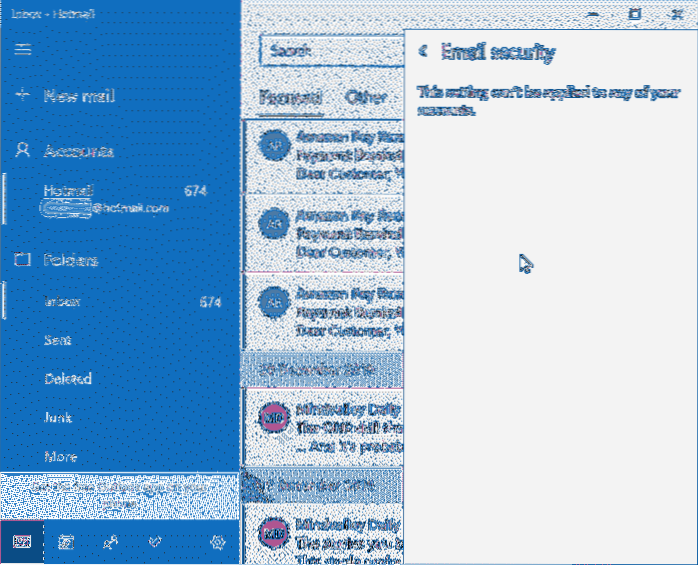
Why is my mail not working on Windows 10? How do I fix the Mail app in Windows 10? Is Windows 10 mail secure? Why is Microsoft mail not working? Why I...
Fix We Can't Finish Downloading Your Update On Windows 10
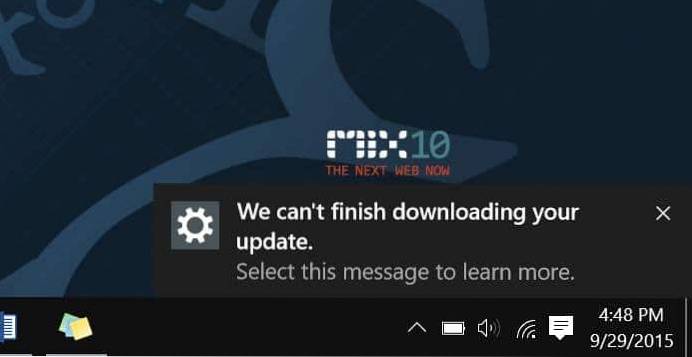
How do I fix Windows Update not downloading? How do I fix Windows 10 not installing updates? Why does my Windows 10 update keep failing? Why is my com...
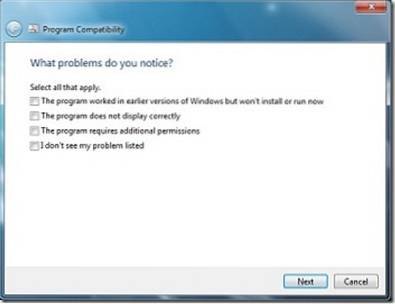
How To Solve Compatibility Problems in Windows 7
Overcoming program compatibility issue in Windows 7 Click the Pearl icon and then click Control Panel. Click Find and fix problems under System and Se...

How To Transfer Windows 10 License To New/Another Computer
At the command prompt, enter the following command slmgr. vbs /upk. This command uninstalls the product key, which frees the license for use elsewhere...
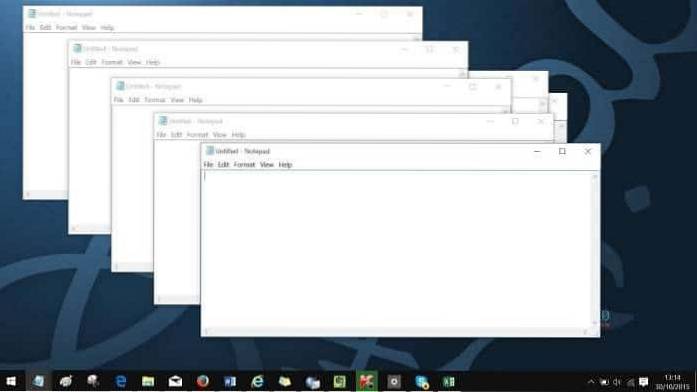
4 Ways To Run Another Instance Of A Program In Windows 10
4 ways to run multiple instances of a program Run another instance using the mouse. Run another instance of a program using the mouse. Open another in...
How To Activate Windows 10 With Windows 7/8/8.1 Product key
To use your Windows 7, Windows 8, or Windows 8.1 product key to activate Windows 10 Select the Start. button, then select Settings --> Update &...
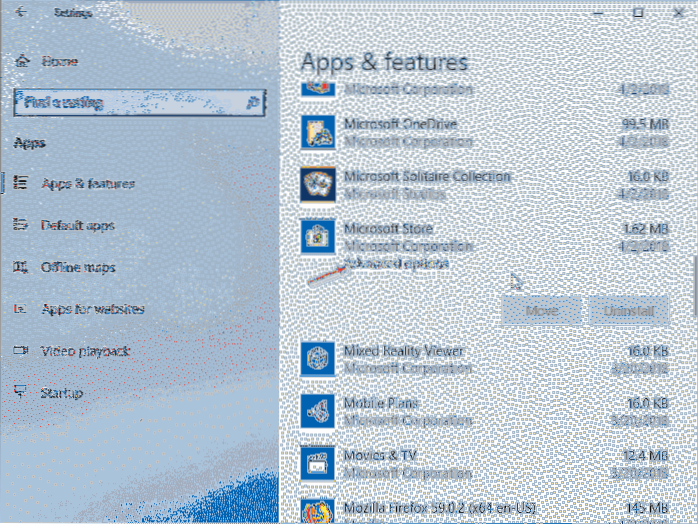
How To Reinstall Store And Other Preinstalled Apps In Windows 10
How To Reinstall Store And Other Preinstalled Apps In Windows 10 Method 1 of 4. Step 1 Navigate to Settings app > Apps > Apps & features. St...
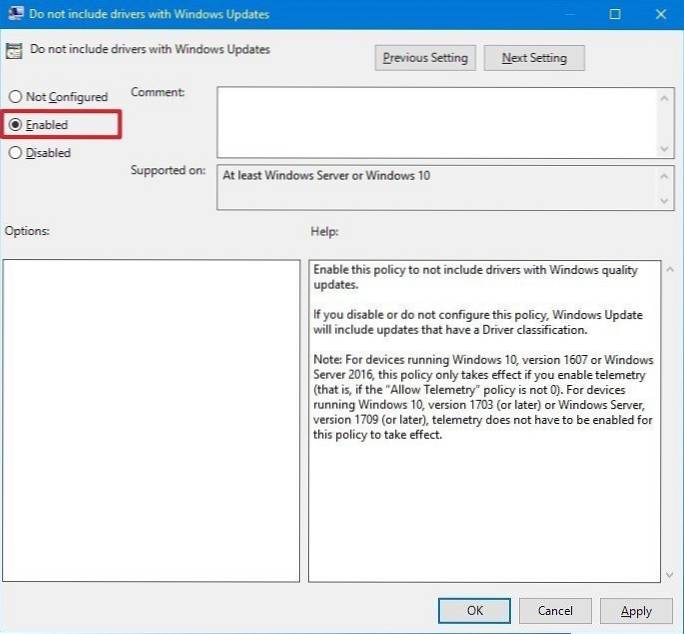
Enable or Disable Automatic Driver Updates On Windows 10
How to Disable Automatic Driver Downloads on Windows 10 Right click the Start button and select Control Panel. Make your way to System and Security. C...
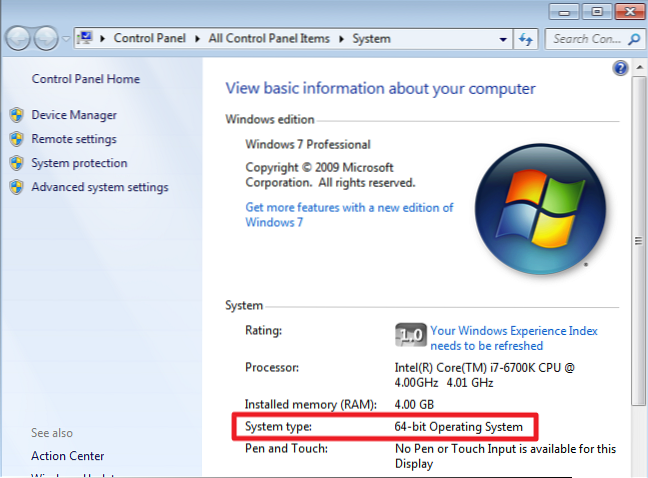
How To Check If Your PC Is Running 32-bit Or 64-bit Windows 10
To check whether you're using a 32-bit or 64-bit version of Windows 10, open the Settings app by pressing Windows+i, and then head to System > Abou...