 Naneedigital
Windows - page 44
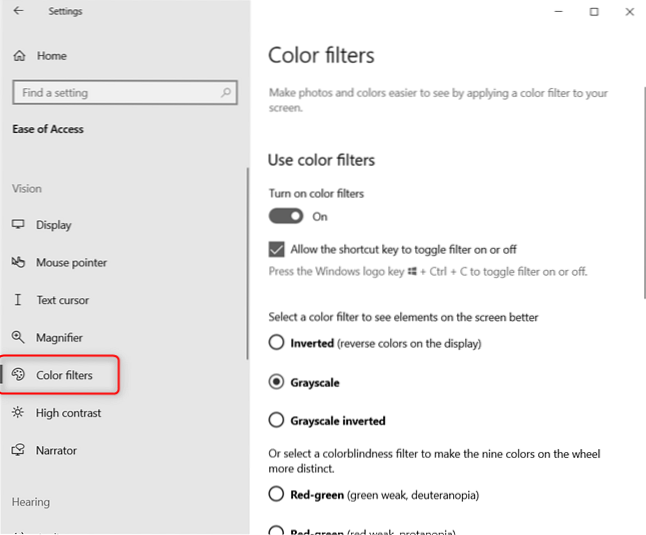
Computer Screen Goes Black and White (Greyscale) In Windows 10
If you have an old version of Windows 10 and the Settings app doesn't look like in the screenshots shared in the previous section, try pressing the fo...
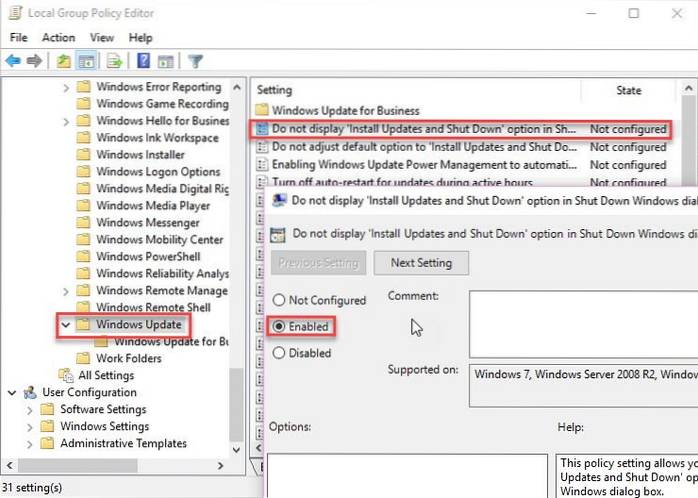
Disable or Bypass Pending Updates on Restart/Shutdown In Windows 10
Bypass update on restart/shutdown process using command line Go to Run –> net stop wuauserv. This will stop the Windows Update service. Go to Run –...

5 Best Free Windows Photo Viewer Alternatives For Windows 10
10 Best Windows Photo Viewer Alternatives for Windows 10 IrfanView. IrfanView is the best application for viewing photos on Windows PCs, hands down. ....
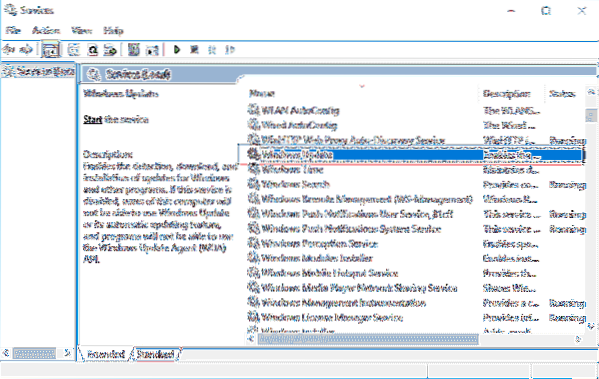
5 Ways to Update Installed Software Automatically In Windows 10
Go to update tab and see which programs need updating. My only one software needs to be updated. Click on the update button. The program will start up...
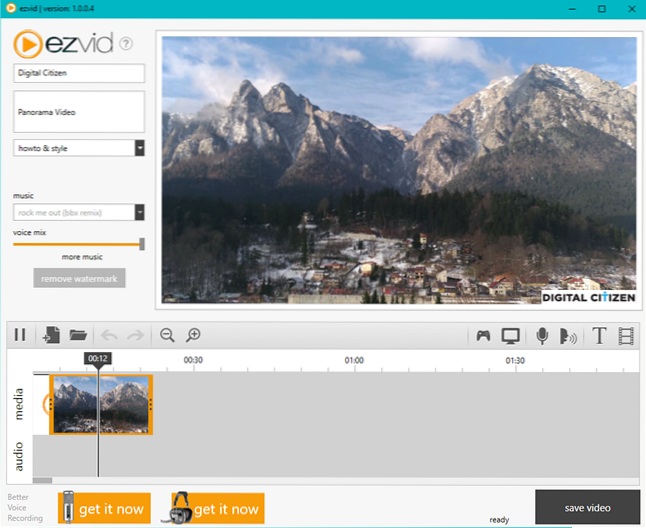
The Best Alternatives to Windows Essentials
Windows Essentials Alternative Windows Movie Maker Alternative – Microsoft Story Remix. ... Windows Live Mail Alternative – Mail. ... Windows Photo Ga...
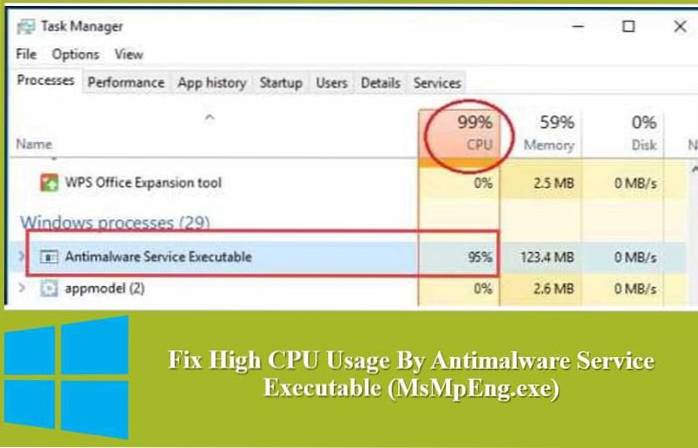
How to fix high CPU Usage Antimalware Service
For most people, the high memory usage caused by Antimalware Service Executable typically happens when Windows Defender is running a full scan. We can...
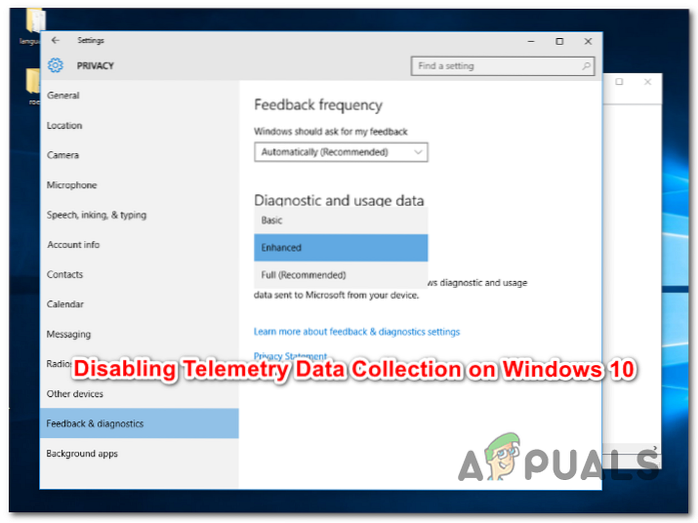
How to Disable Telemetry and Data Collection in Windows 10
On the Run command window, type services. msc and click on the OK button. Step 2 In the Services window, scroll down and double-click on Connected Use...
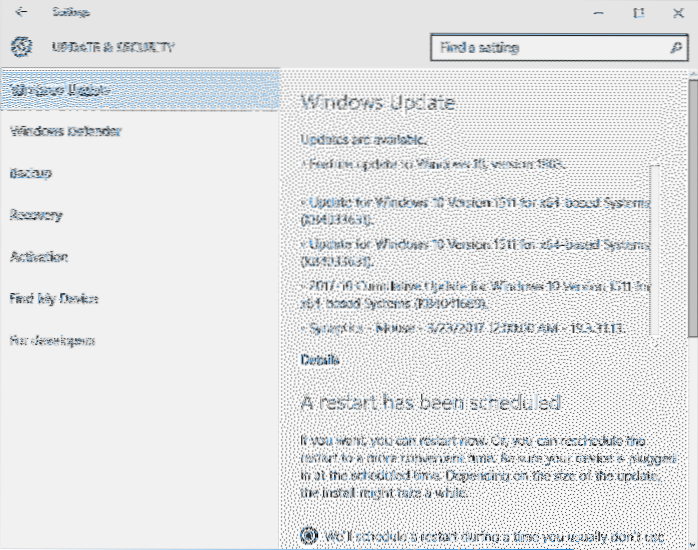
View Windows Updates Size in Windows 10
Check Update size in Windows 10 Head over to the Settings app > Update & security > Windows Update. Click on Update history. ... Click on an...

How To Login Without Password in Windows 10
How to Disable Windows 10 Login Password via the User Account Settings? Press Win+R; In the Run dialog box, enter netplwiz or control userpasswords2 c...
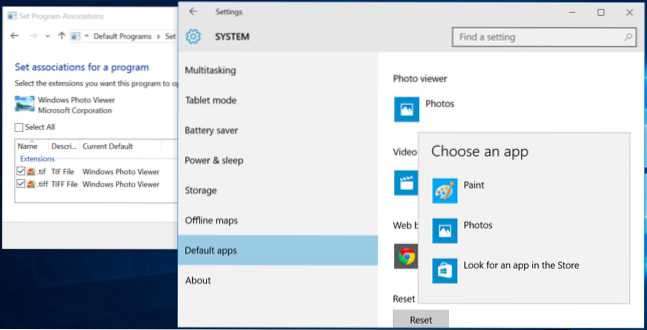
How to Enable Windows Photo Viewer in Windows 10
Open the Settings app. ... Click on Default Apps. ... Select Windows Photo Viewer. ... Get the Registry file. ... Double click the registry file to ru...
How to refresh icon cache without restarting windows
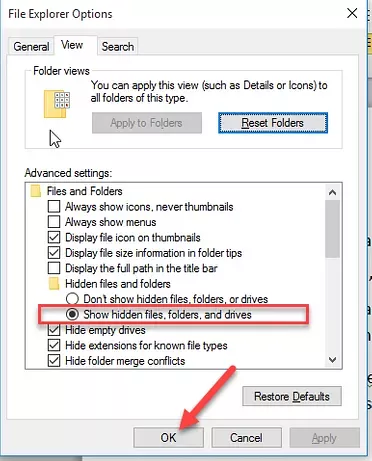
If you want a complete refreshed icon cache, go to the addressbar of windows explorer and type C\Users*Username*\AppData\Local and then delete IconCac...
3 Ways To Disable Windows Updates In Windows 10
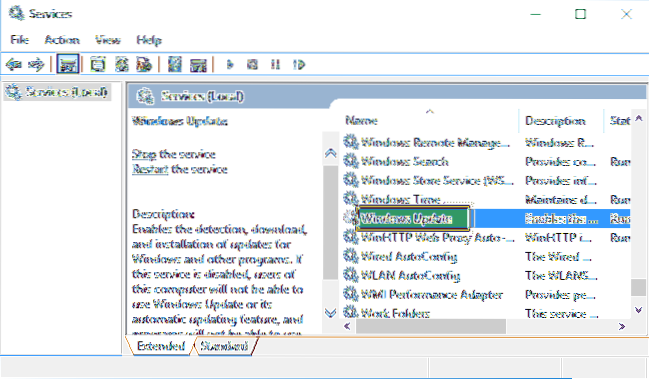
Follow these steps to stop Windows 10 updates Fire up the Run command ( Win + R ). Type in “services. msc” and hit Enter. Select the Windows Update se...