 Naneedigital
Windows - page 129
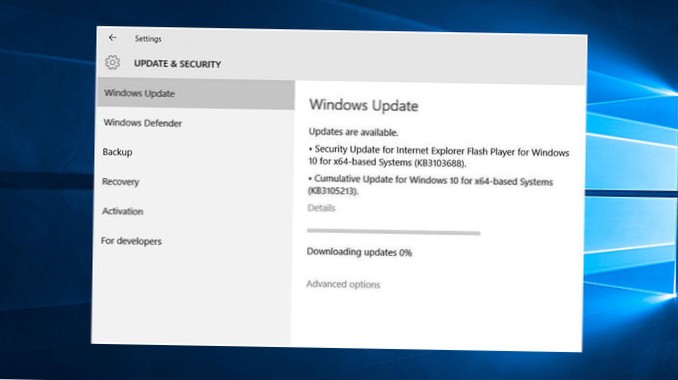
How to fix Windows Updates stuck at 0%
Fix Windows updates stuck at zero percent Press Windows+R. ... Now it brings us to all the services installed on Windows. ... Now go to C\Windows\Soft...
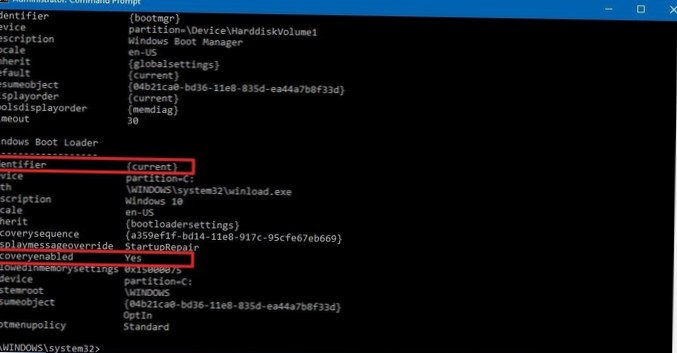
How to disable automatic repair loop on Windows 10
In Command Prompt, type bcdedit /set {default} recoveryenabled No and press Enter. Restart your PC, the Automatic Startup Repair should be disabled an...
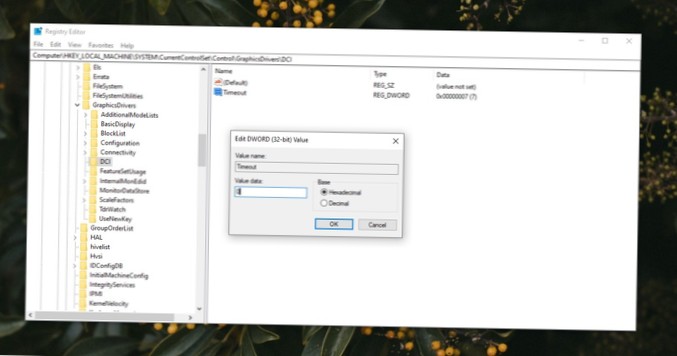
How to fix screenshots appear black on Windows 10
Try the following to fix screenshots appear black on Windows 10. Third-party screenshot tools. ... Check for DRM protected content. ... Check for scre...
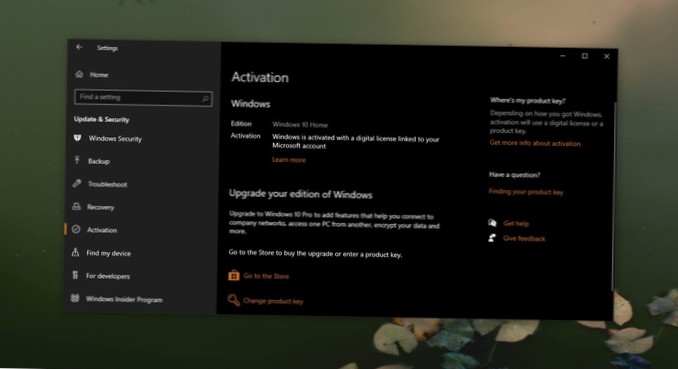
How to recover Windows 10 key after a complete format
3. Use a recovery tool Install Windows 10 normally and skip the license key step. Once you're on your desktop, Download Produkey from Nirsoft. Run the...

How to turn on Windows Defender on Windows 10
How to enable Windows Defender in Windows 10 Click the windows logo. ... Scroll down and click Windows Security to open the application. On the Window...
How to shut down without installing updates on Windows 10
Try it yourself Type “cmd” in your start menu, right-click on Command Prompt and choose Run as administrator. Click Yes to give it permission. Type th...
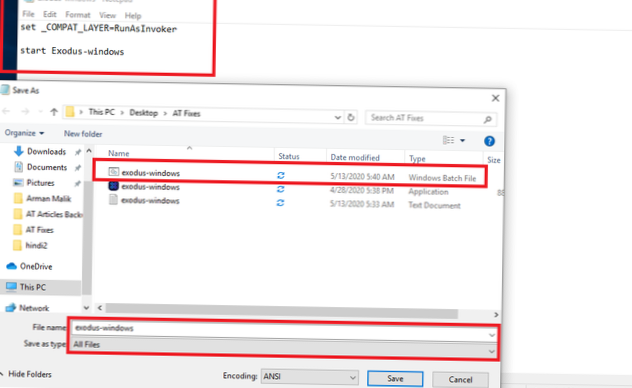
Install Software on Windows 10 Without Admin Rights (Quick Fix)
How do I install software on Windows 10 without admin rights? How do I bypass administrator rights on Windows 10? How do I force a program to run with...
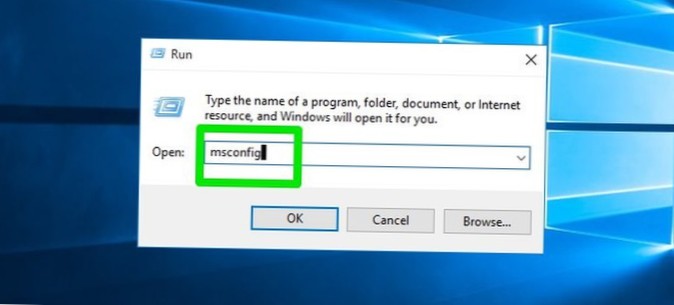
How to fix app not responding in Windows 10
How can I fix the Program not responding error on Windows 10? Check your antivirus. ... Reinstall the software. ... Open fewer programs at a time. ......
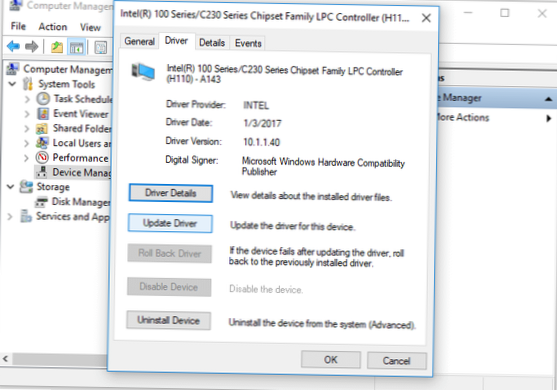
How to speed up a USB drive on Windows 10
How to speed up Windows 10 using ReadyBoost? Connect the USB drive to your Windows 10 PC. Go to My Computer or This PC. Now, right-click your USB driv...
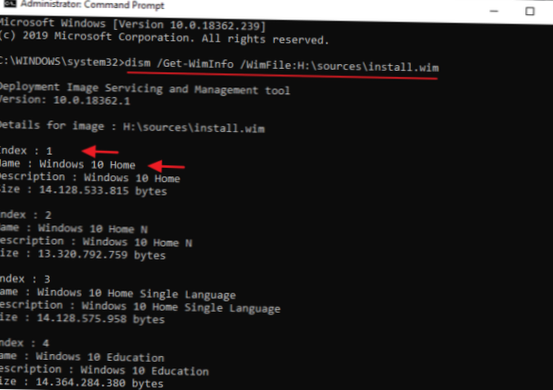
How to fix 'DISM The source files could not be found' on Windows 10
How do I fix DISM 0x800f081f in Windows 10? How do I repair DISM on Windows 10? How do I specify a source in DISM? What if DISM fails? What is DISM to...
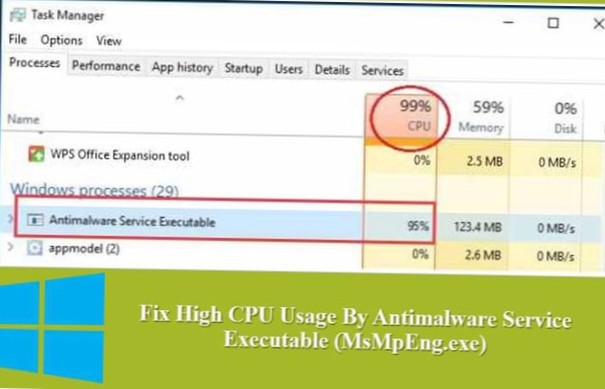
FIX the Antimalware Service Executable High CPU Usage (MsMpEng)
What is the msmpeng.exe Antimalware Service Executable? Do you use Windows Defender to protect your computer? ... Fix #1 Change Windows Defender's sch...
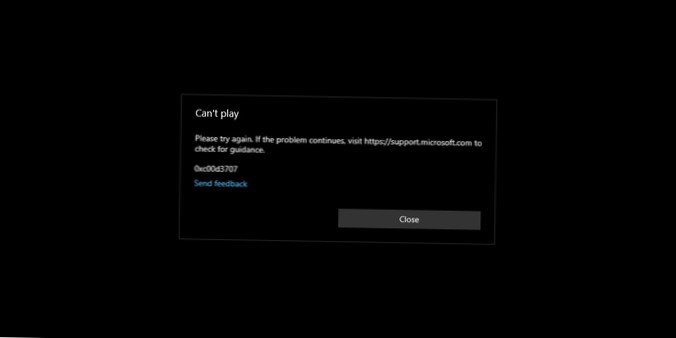
How to fix the can't play video error on Windows 10
Uninstall and Reinstall the Display Driver. Most users face video errors, especially after upgrading or updating Windows 10. By uninstalling and reins...