 Naneedigital
Windows - page 125
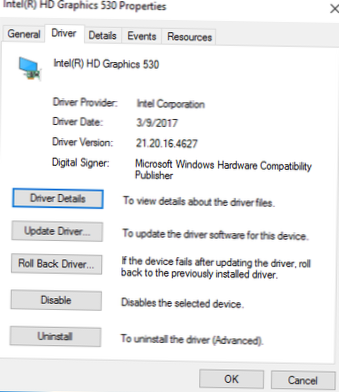
How To Block Graphics Driver Updates On Windows 10
To stop Windows from doing automatic driver updates, navigate to Control Panel > System & Security > System > Advanced System Settings &g...
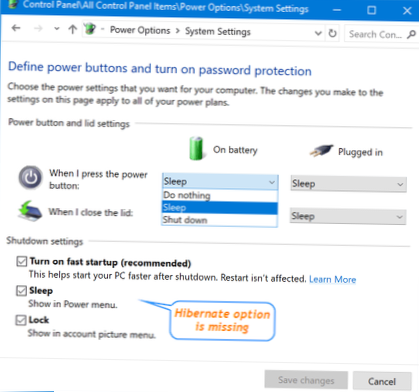
How To Fix Missing Hibernation Option On Windows 10
Here's how Step 1 Open Control Panel and head to the Power Options page. ... Step 2 Click Change settings that are currently unavailable, then scroll ...
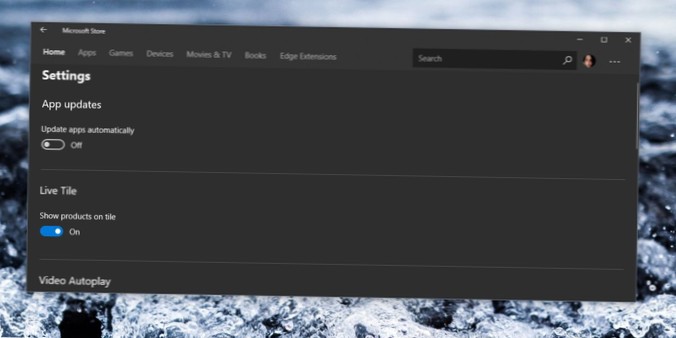
How To Enable And Disable Auto Updates In The Microsoft Store On Windows 10
The first thing you'll need to do is fire up the Microsoft Store. Hit Start, type “store” into the search box, and then click “Microsoft Store.” In th...
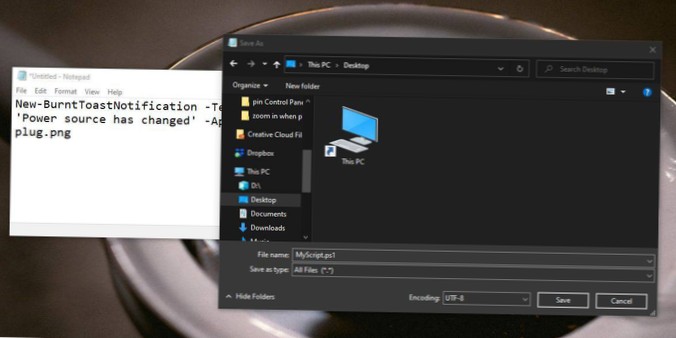
How to create scripts in Notepad on Windows 10
Creating script with Notepad Open Start. Search for Notepad, and click the top result to open the app. Write a new, or paste your script, in the text ...
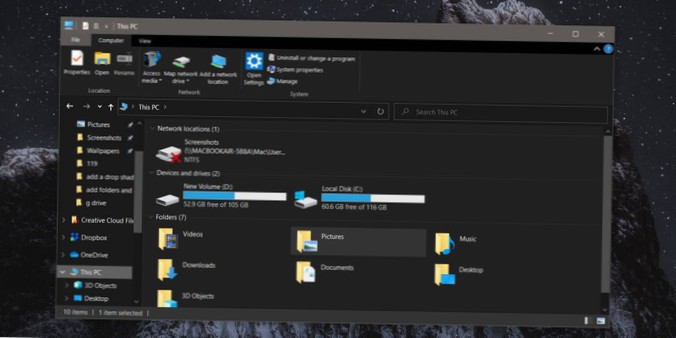
How to push Devices and drives to the top in This PC on Windows 10
Open This PC and right-click in an empty area. From the context menu, go to Sort by and select 'Descending'. Once you do that, Folders will be pushed ...
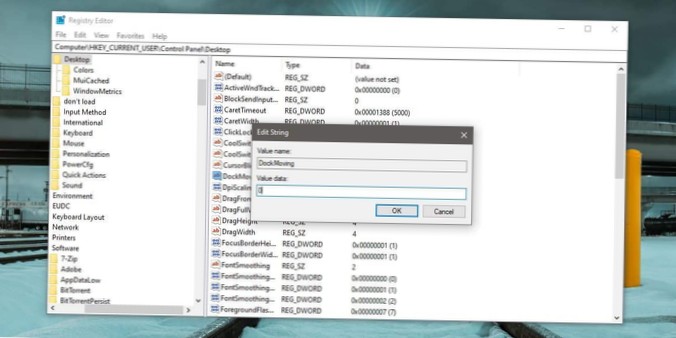
How to disable Windows Snap with mouse drag on Windows 10
To disable Aero Snap in Windows 10, do the following. Open Settings. Go to to System -> Multitasking. On the right, disable the option Arrange wind...
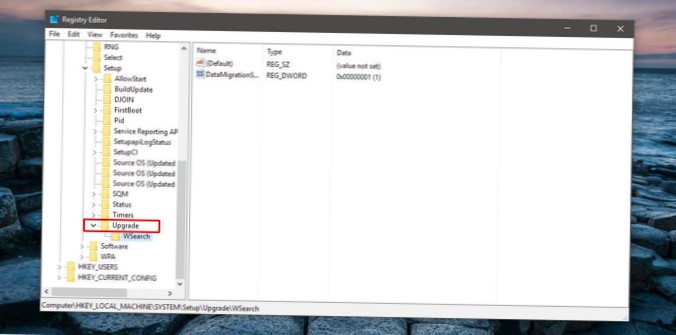
How To Tell If Windows 10 Is A Fresh Install Or An Upgrade
Open the Windows registry. Type 'regedit' in the search bar or in the run dialog and hit enter. In the Windows Registry, navigate to the following loc...
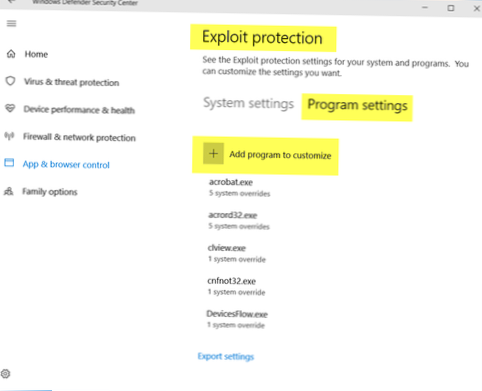
How to exclude an app from Exploit Protection on Windows 10
Exclude app from Exploit Protection Open Windows Defender and go to App & Browser Control. Scroll to the bottom and select Exploit Protection sett...
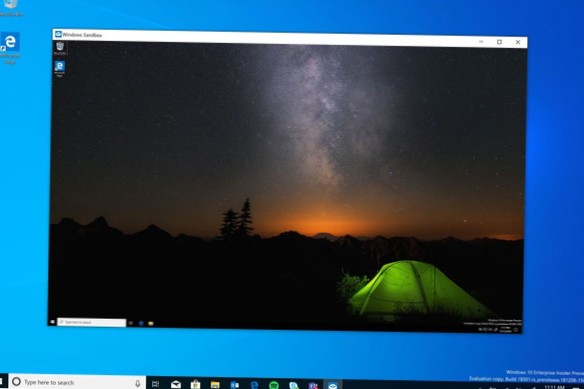
How to run apps in sandbox mode on Windows 10 Home
To Install Windows Sandbox Feature in Windows 10 Home Edition Click/tap on the Download button below to download the sandbox-installer. ... Save the s...

How to change Windows 10 projection mode with a keyboard shortcut
Press and hold the Windows Key on your keyboard and then tap the P key while still holding the Windows Key. Tapping P will cycle through the available...
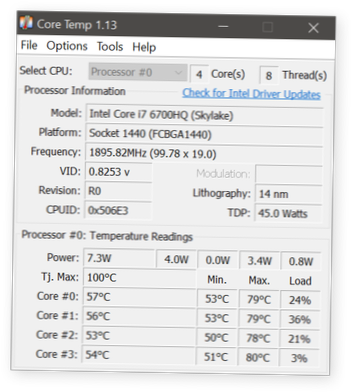
How to check an Intel CPU's Health on Windows 10
Download the Intel® Processor Diagnostic Tool. Make sure you download the EXE that is built for your system architecture i.e., 32-bit if you're runnin...

How to move windows between virtual desktops without Task View on Windows 10
Windows key + Ctrl + Left or Windows key + Ctrl + Right allows you to move quickly between multiple desktops. Windows key + Ctrl + D then click + New ...