 Naneedigital
Windows - page 123
Step By Step Upgrade Process From Windows 7 To Windows 10
Here's how to upgrade from Windows 7 to Windows 10 Back up all of your important documents, apps, and data. Head over to Microsoft's Windows 10 downlo...
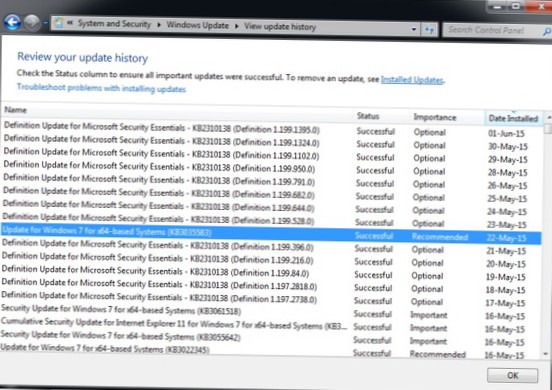
What To Do If You Don't See The Upgrade To Windows 10 App
What to do if you can't upgrade to Windows 10? How do I get Windows 10 updates manually? Why is my Windows 10 not updating? How do I get Windows 10 fr...
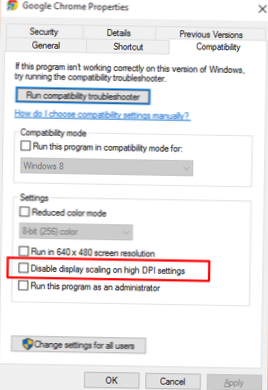
How To Fix The Blurred Text Problem In Windows 10
If you are finding the text on a screen blurry, make sure the ClearType is setting is turned on, then fine-tune. To do so, go to the Windows 10 search...
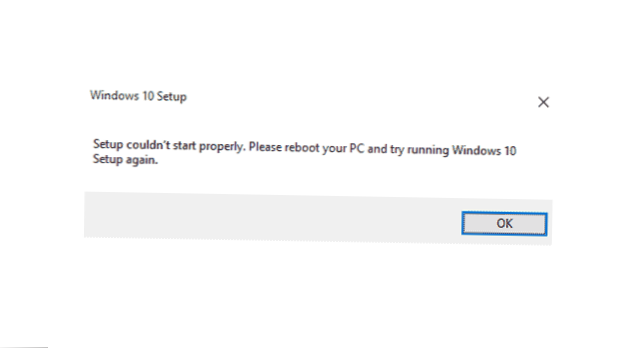
Fix The 'Setup Couldn't Start Properly' Error When Downloading Windows 10
Error Setup couldn't start properly. Please reboot your PC and try running Windows 10 setup again comes up when Windows installation is corrupt or a p...

Can You Use Your Windows 7 Product Key For Fresh Windows 10 Install
As part of Windows 10's first November update in 2015, Microsoft changed the Windows 10 installer disc to also accept Windows 7 or 8.1 keys. This allo...

Find Your Windows 10 Product Key After Upgrading From Windows 7/8
Copy the product key and go to Settings > Update & Security > Activation. ... Find Windows 10 Product Key After Upgrade Product Name. Produc...

How To Create Windows 10 Installation Disk Or Bootable USB
If you don't have a Windows 10 disk, you can create one using the methods described below. Method 1 Use the Media Creation Tool. Method 2 Download ISO...
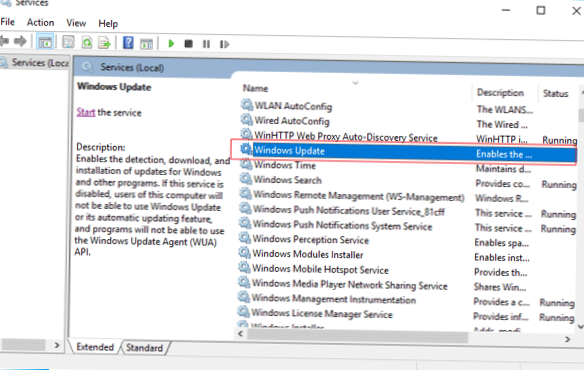
Stop Windows 10 From Automatically Installing Updates
Follow these steps to stop Windows 10 updates Fire up the Run command ( Win + R ). Type in “services. msc” and hit Enter. Select the Windows Update se...
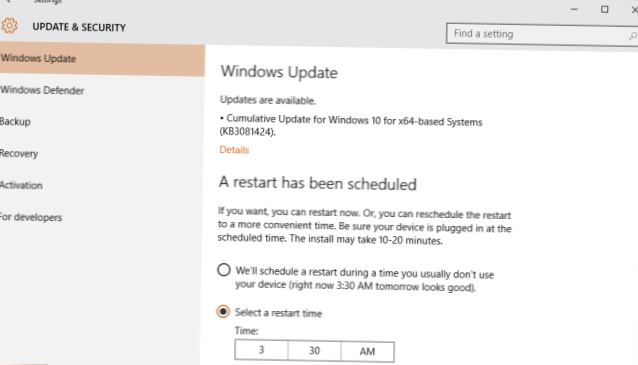
How To Schedule When Windows 10 Restarts To Install Updates
Select Start > Settings > Update & Security > Windows Update . Select Schedule the restart and choose a time that's convenient for you. N...
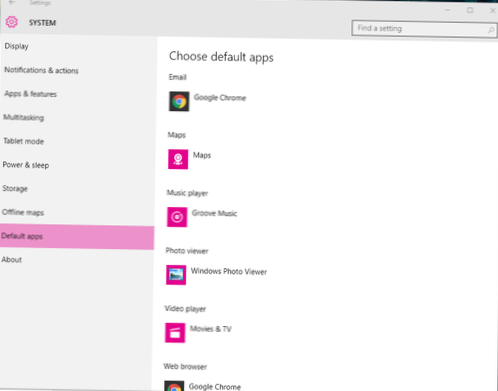
Bring Back The Windows Photo Viewer In Windows 10
It's easy to get the trusty old Windows Photo Viewer back -- simply open up Settings and go to System > Default apps. Under Photo viewer, you shoul...
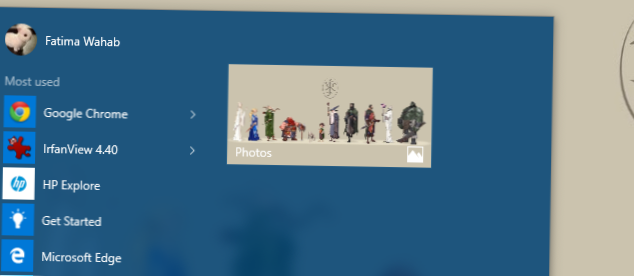
Set A Static Live Tile Image For The Photos App In Windows 10
Change Photos App Live Tile Appearance in Windows 10 Open Photos. Click the three dots menu button in the top right corner. Click on the Settings menu...
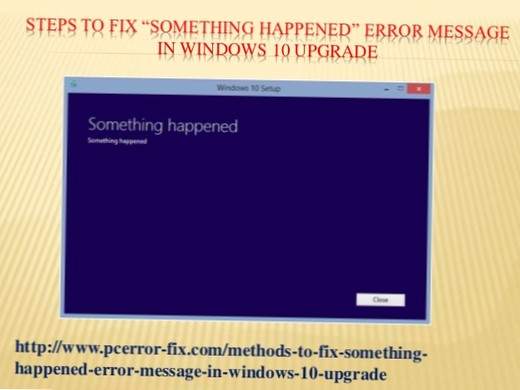
Fix The 'Something Happened' Error When Upgrading To Windows 10
How to Fix Windows 10 Something Happened Error? METHOD 1 Execute Windows Media Creation Application as Administrator. METHOD 2 Try to Disable or Unins...