 Naneedigital
Windows - page 105
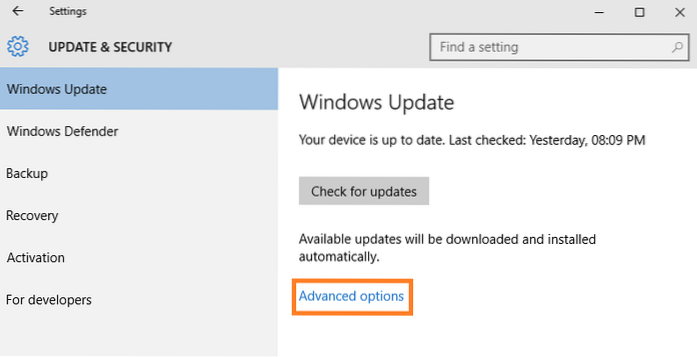
10 Things you must disable in windows 10
What should I disable in Windows 10? What background processes can I disable in Windows 10? What cool things can Windows 10 do? Is it OK to disable al...
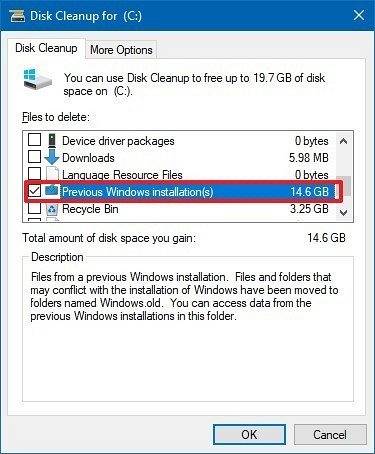
How to delete windows old installation folder in windows 10
old folder Step 1 Click in Windows' search field, type Cleanup, then click Disk Cleanup. Step 2 Click the Clean up system files button. Step 3 Wait a ...
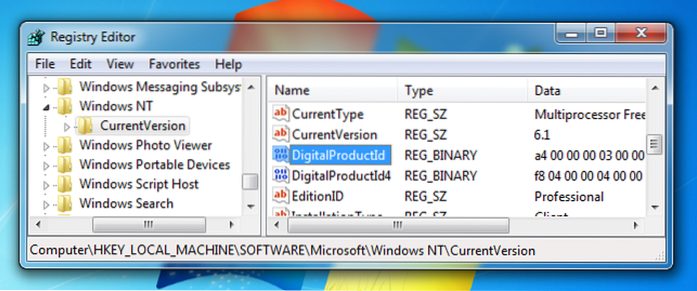
How to view your product key in windows
Users can retrieve it by issuing a command from the command prompt. Press Windows key + X. Click Command Prompt (Admin) At the command prompt, type wm...
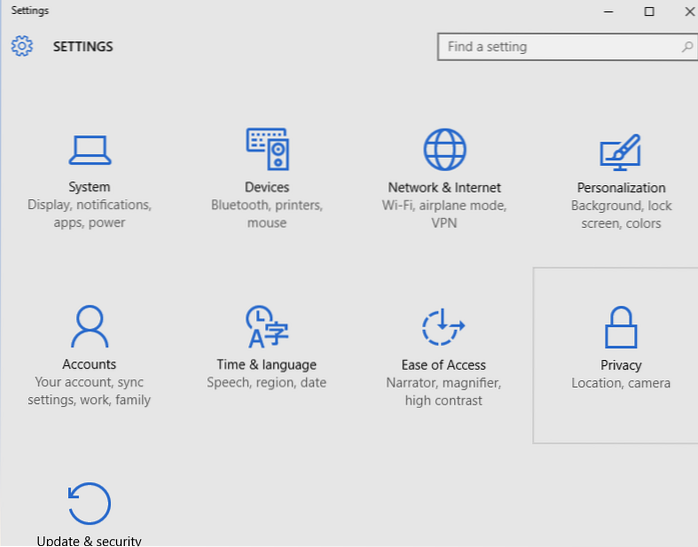
Directly go to particular settings through Run in Windows 10
PSA How to open specific Settings directly in Windows 10 from the Run command Windows Key + R. Right click on the Start button > select Run. How do...
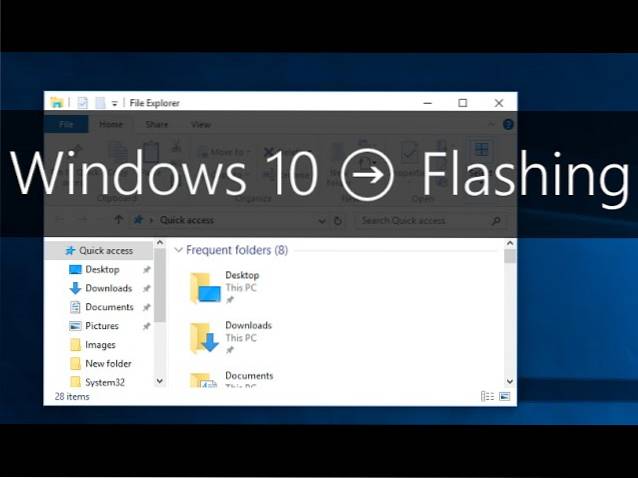
How to fix screen flashing issue in Windows 10
Screen flickering in Windows 10 is usually caused by display drivers. To update your display driver, you'll need to start your PC in safe mode, uninst...
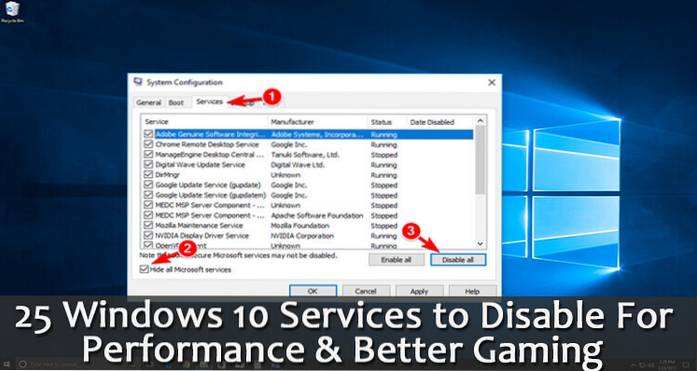
10 things you should straight away check out in Windows 10
What cool things can Windows 10 do? What are the hidden features of Windows 10? What should I know about Windows 10? What should I do when I first ins...
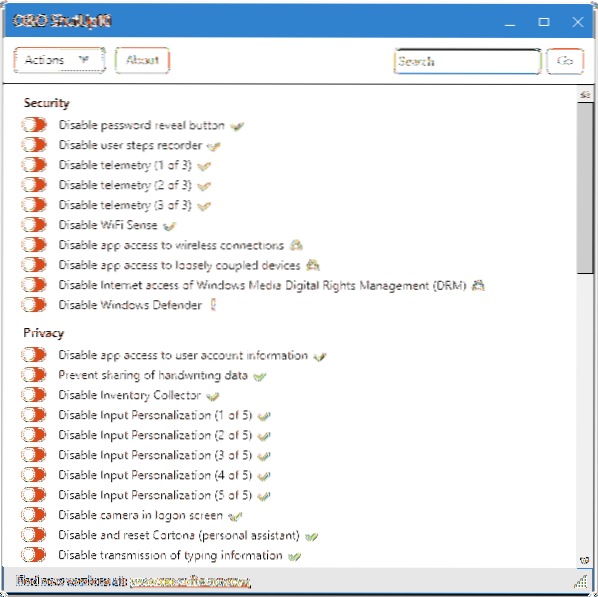
3 Best Free Tools to Stop Windows 10 Spy Feature
3 Best Free Tools to Stop Windows 10 Spy Feature Download O&O ShutUp10. Download Disable Win 10 Tracking. Just go to the download link given above...
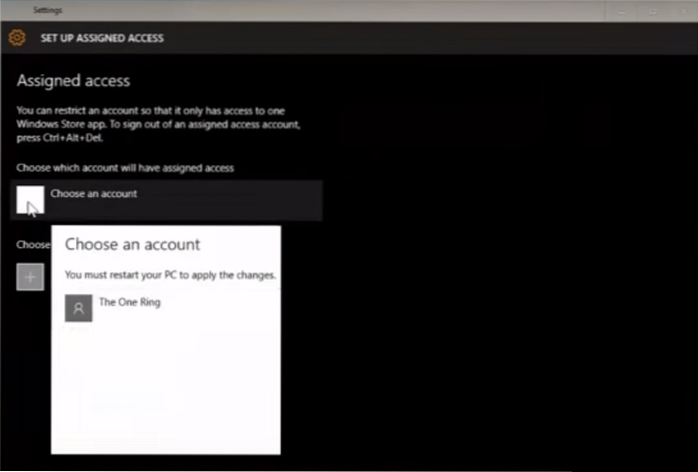
Set up Assigned access In windows 10 to limit guest account
How to use Assigned access in Windows 10 Step 1 – First of all create a guest account. Step 2 – Now, open settings control panel. ... Step 3 – Now, in...
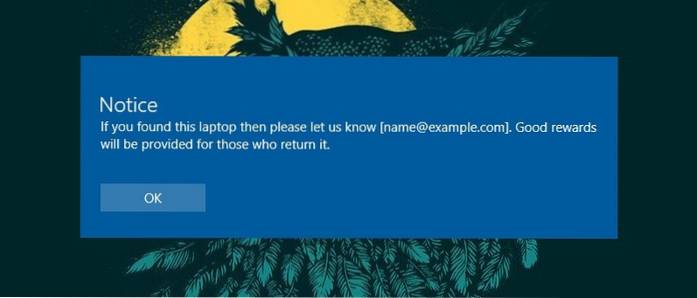
How to Display Custom Notice on Login screen of Windows 10
Displaying a custom message via Windows Registry On the right pane find the value “legalnoticecaption,” right-click on it and then select “Modify.” Th...
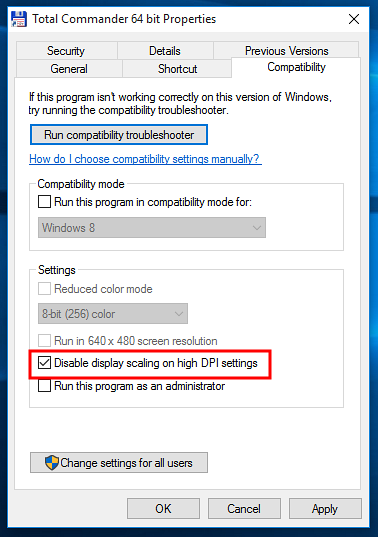
How to Fix Blurry Font Problem In Windows 10
If you are finding the text on a screen blurry, make sure the ClearType is setting is turned on, then fine-tune. To do so, go to the Windows 10 search...

What happens to Windows 10 License after changing Hardware
When installing Windows 10, the digital license associates itself with your device's hardware. If you make significant hardware changes on your device...
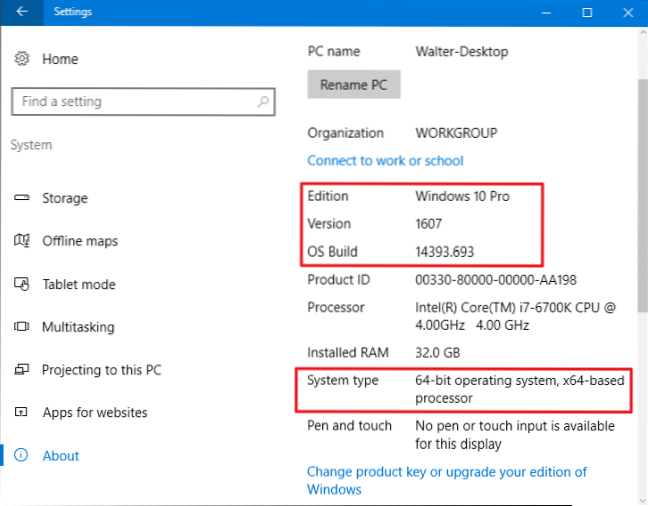
Find out what is the Build Number of Your Windows 10 PC
How to Check Windows 10 Build Right-click the start menu and choose Run. In the Run window, type winver and press OK. The window that opens will displ...